AirGradient Forum

AirGradient Go - Bugs/Issues/Feedback

It seems to be fixed in the latest build.

I do wish I could put the go in offline mode without triggering power save mode. There is rarely a reason to use the app in its current form. (Possible on release but was removed for “Energy Saving” operation mode.

Hi @Austin_Richards, thanks for the update!

Yes, we made quite a lot of changes to improve the battery life in the past few weeks, as presented in last Friday’s AMA session (the recording should be available soon on https://www.airgradient.com/forum/ ).

Anyway, do you mean you would like to see the old Offline Mode that works without radio?

Yeah, Just to save power where I can without sacrificing sensor polling speed or tracking.

1 Like

@Austin_Richards Thanks for your quick reply! Let me bring it up in our team meeting.

Feature Request. A setting to flip the screen. I often have my GO hanging from my belt at work and a flipped screen would be more convenient to glance at the readings. Though don’t know if this would benefit anyone else.

1 Like

Hey @Austin_Richards! I hope you are doing well. Thanks again for your request! I will log this, and discuss it with our team.

Also, I have an update about your previous question about bringing back the old Offline Mode. I discussed this with our engineer, and I was informed that we would like to stick with the current path (we have no plan to bring back the old Offline Mode yet). Anyway, please feel free to let us know your feedback. Thanks!

Is there a way to change the wifi settings without reflashing+erasing?

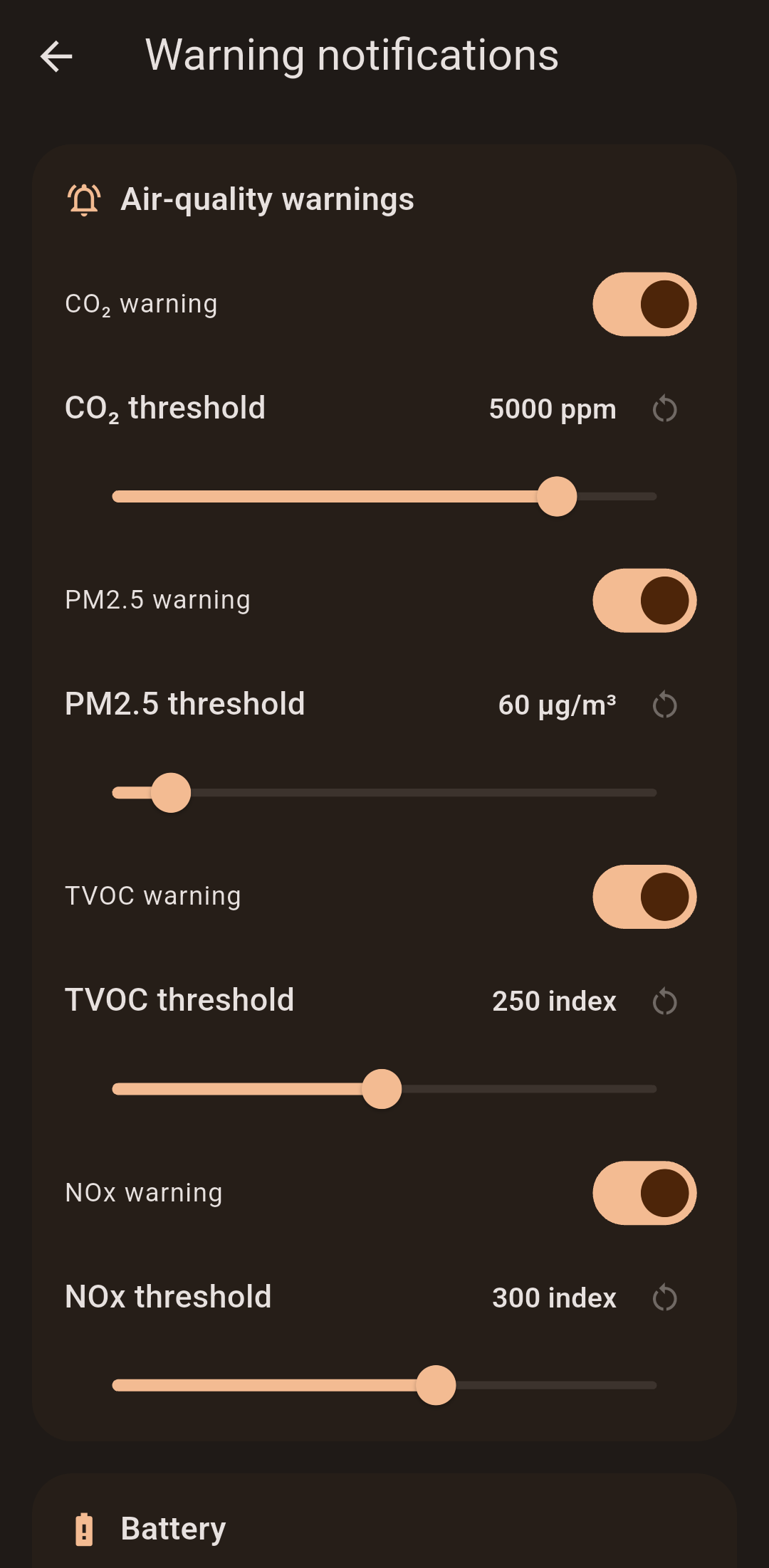
I decided to vibe an alternative app to manage the go that is a bit more useful for me. Also made a wear os companion app and added alerts if CO2 or PM2.5 go over a set value. Not sure if I am going to release it though. It only works in portable mode with one airgradient go. Deepseek is shockingly good with flutter and it only took me a few hours. I also use the new pinned charts feature in the firmware on the go to select the default sensor and control which one is shown on the notification status chip. (The pinned charts feature is nice).


1 Like

Hi @TeMpL - We’ve reviewed lots of your comments here on the forum over the past months, and while we welcome feedback and criticism, I would appreciate it if you could communicate your concerns in a more respectful and constructive manner. We’re here to help, and we’re happy to discuss any issues you’re experiencing.

Regarding your concerns, could you please clarify exactly what isn’t working as expected?

Are you referring to the display LEDs? It has already been clarified that these were removed from the final hardware design; or are you experiencing an issue with the display itself? You also mentioned temperature readings - this has also been clarified along with a lot more: We Asked AirGradient Go Owners What They Think. Here's What They Told Us.

If you’re unhappy with the device and would prefer to return it for a refund, we can certainly look into that.

Please contact us through our support form with your order number and a clear description of the issues you’re experiencing. We can then review your case and discuss the return and refund process.

We take customer feedback seriously and want to help resolve your concerns, but we also ask that discussions remain respectful. Achim personally participated in an AMA recently to address all customer concerns as well: https://www.youtube.com/watch?v=iCIb6Ozx8s0

1 Like

Hey @Austin_Richards, hope you are having a great day, another wonderful day in your cellar catwalk!

I am sorry for my delayed reply (I’ve been visiting the AirGradient office & factory in Chiang Mai, and there is a lot of interesting stuff going on here)

I’m glad you shared this stuff with our community. That looks really cool. I also saw your comment on the other post with a light UI version. Is this the same app with light/dark mode?

I am also interested in seeing what your WearOS app looks like.

Talking about WearOS, honestly I was kind of a bit disappointed and call myself silly for buying a relatively expensive WearOS watch because I rarely utilized its features other than seeing the time and how many steps I walked. But since I visited Chiang Mai a week ago, and I need to ride a scooter to the office (I have 0 idea about this area, so I heavily rely on a navigation system), the Google Maps companion app on my WearOS watch is incredibly useful because I can see the map on my wrist, not to bring the phone up when driving.
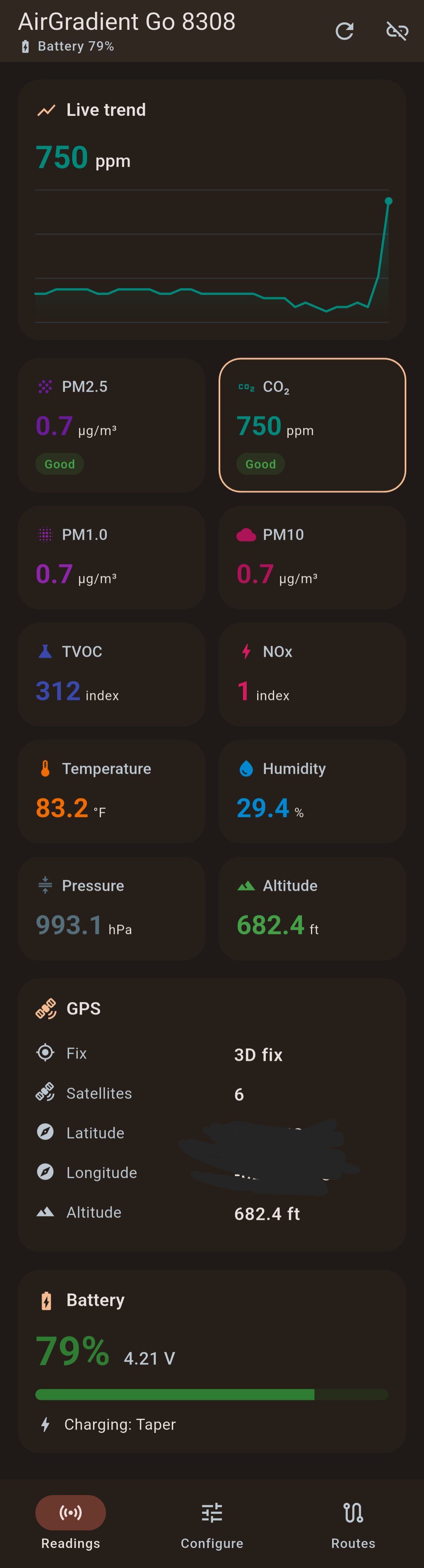

Yeah its the same app. Once I get a logo for it ill share the full app. Currently using the airgradient branding and I doubt you want a custom app using your logo.
The notifications I added when sensors go over a threshold are shockingly useful at work. I don’t have to look at the go screen nearly as much. Sometimes firing before my asthma starts to react.


Also added an option to automatically switch the back LEDs between AQI and CO2 depending on which is worse.

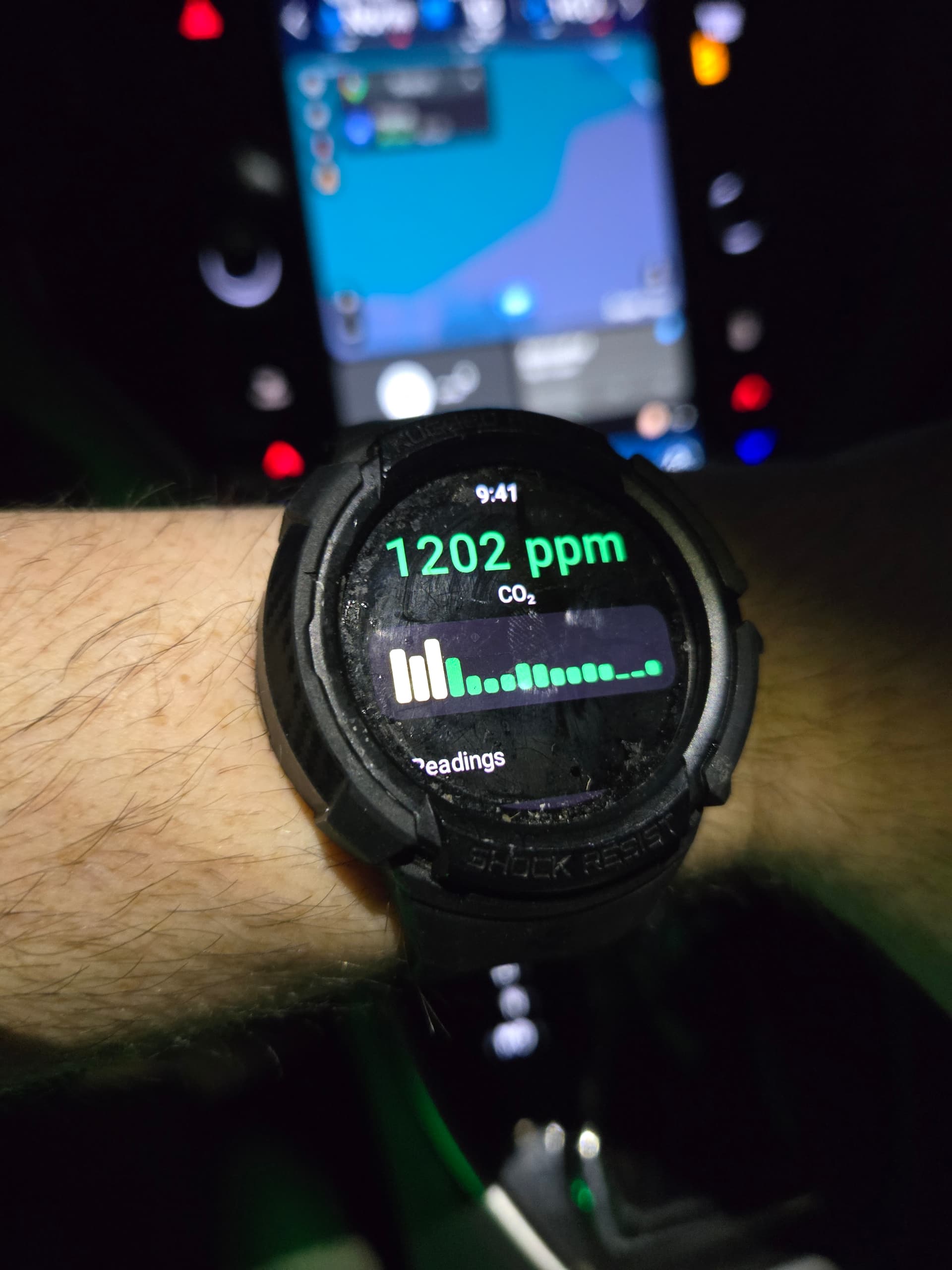
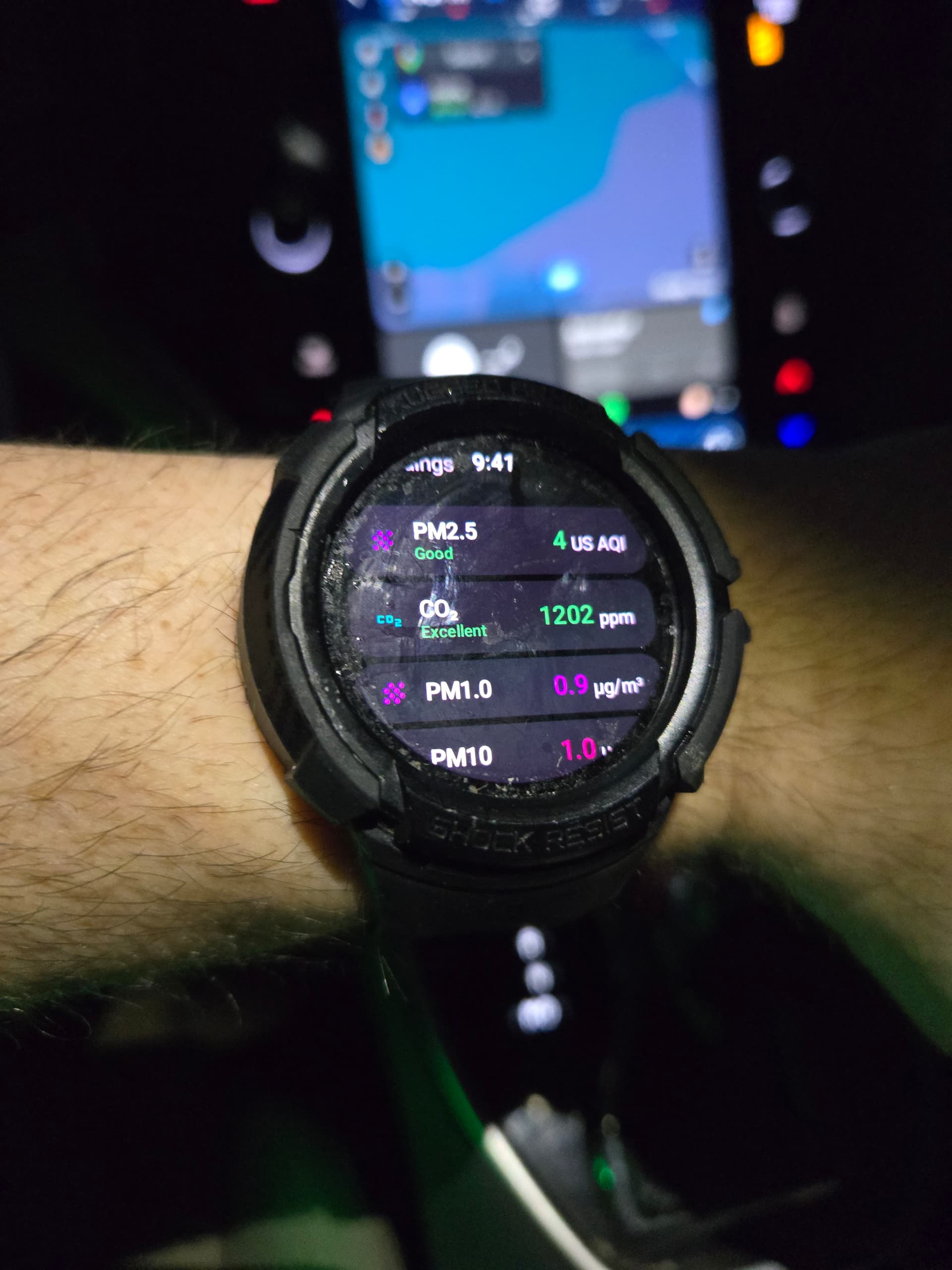
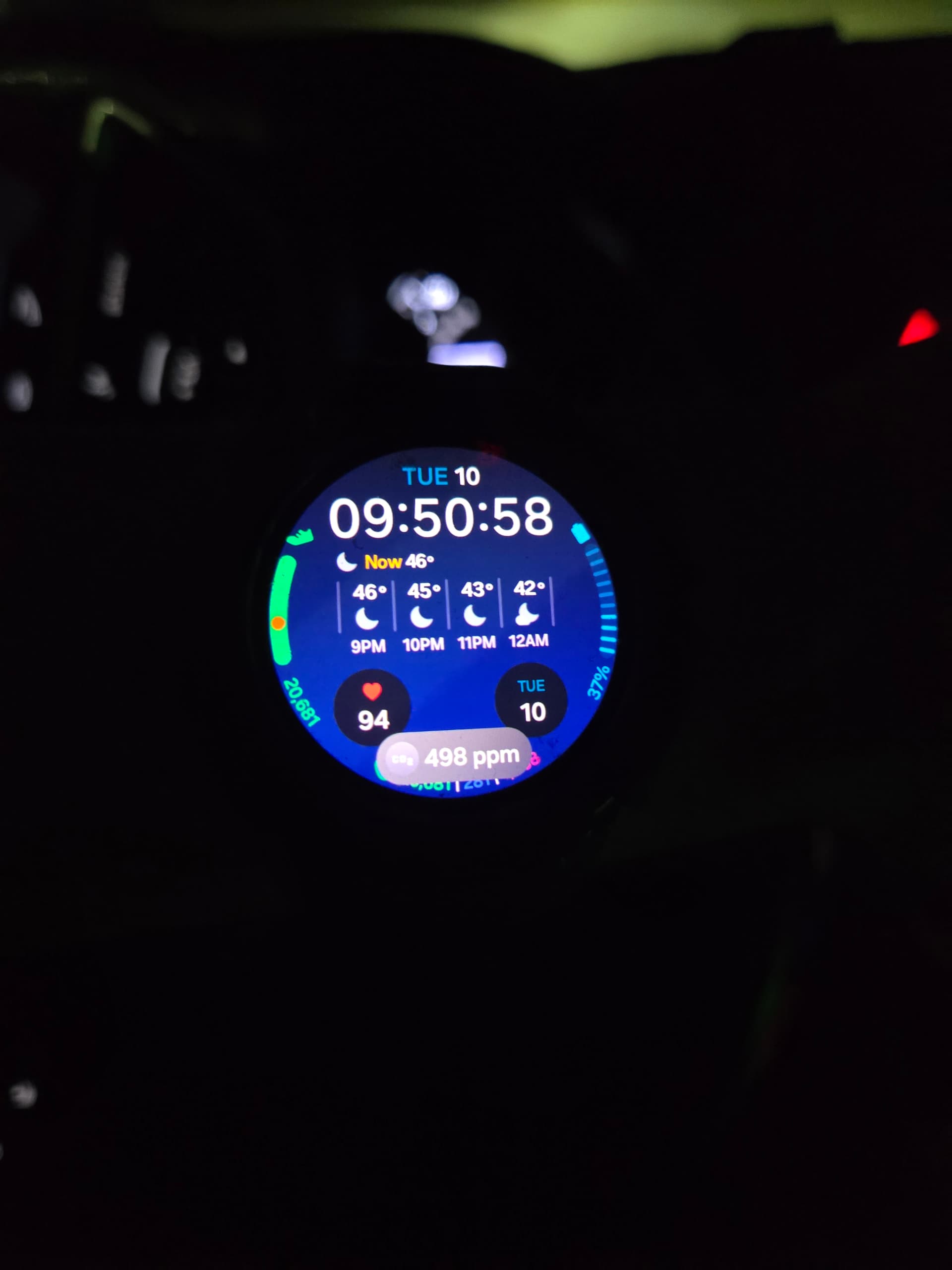
The watch app shows me all of the sensors and the graph uses whatever sensor is selected on the Go’s pinned chart. It also supports complications and an ongoing notification. Only downside is the ongoing notification drains my watch battery a bit faster


I do hope one day the CO2 levels the LEDs use could be adjusted over BLE (and fast charging) so I don’t need to mod the firmware.

1 Like

Wow, that’s cool!

I’m glad to know you like the CO2 LED mode. Regarding the configurable level, I can check with our engineer.

I only make serious software

1 Like

Good afternoon,

I’ve been enjoying my Go at home and work since I received it. I was poking around in the settings, and I am not sure if I missed these desired functions or not, but here is what I would be interested in for future updates:

  1. A setting when the device is plugged in (such as when I am at my desk at work) to operate at the maximum rate the device allows. When the device is unplugged then it could go to a reduced refresh sampling rate set in the settings menu.

  2. Ability to set an alarm threshold on a per-sensor basis. In that situation, I would also want it to be able to be snoozed for a period of time.

  3. Ability to designate which sensors are shown on the top two spots. I think this would be especially useful if an alarm threshold is reached for further monitoring.

Thanks for the great hardware!

Adam

1 Like

Is there a list of improvements the Go V2 will have? I know the battery is different alongside a new PCB and a new battery guage, watching the AMA but it doesn’t go too much into detail.
I’m debating on going for the V2 discount.
Based on the V2 firmware it seems charging speed isn’t going to be improved anytime soon.

@Austin_Richards, Cheems help you make the app?

download

Regarding the V2, I had a brief discussion with our hardware engineer today, he informed me that, besides changes to the battery, PCB and some support structures of the enclosure, the BMS is likely to be changed. There’s also a discussion about having a memory card slot (note that this is not yet finalized). You can take a look at the current V2 design here: GitHub - Open-Air-Foundation/pcb-go · GitHub

@Adam_Ross, good afternoon from Thailand! I have logged the number 1 and 2 of your requests. I would like to confirm with you first about the number 3. The “Ability to designate which sensors are shown on the top two spots”, by the “top two spots”, do you mean the two spots on the Go’s e-paper display that are currently displaying PM2.5 and CO2? Thanks!

@Tai_AirGradient yes, you understood me correctly. :slight_smile:

1 Like

Hi @Adam_Ross, thank you for confirming! Added to our feature request list. Our team will review and consider it. We will let you know if there is an update.

Thank you for all of your feedback. Please feel free to let us know if you have anything in mind.

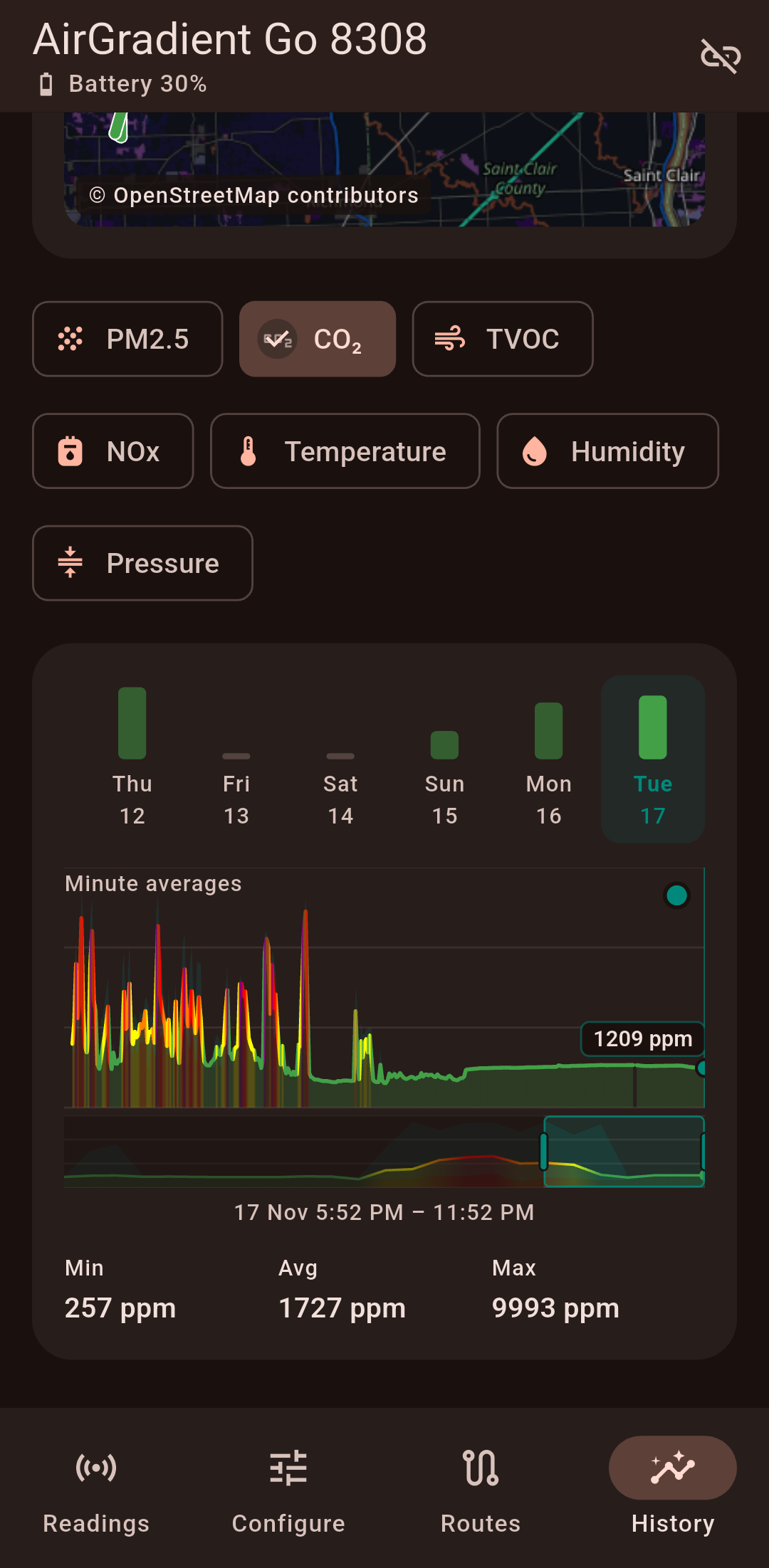
I was inspired by the post that mentioned continuous logging and decided to do it app side. This weekend I need to poorly draw an app icon in ms paint or something so I can release this.

Top row is the average of that sensor for that day.
The dot/vertical line is a scrubber to view the value at that point.

1 Like