I’ve had my outside unit for about 24 hrs, PM values seemed low compared to perceived air and apps, and now have all dropped to zero.
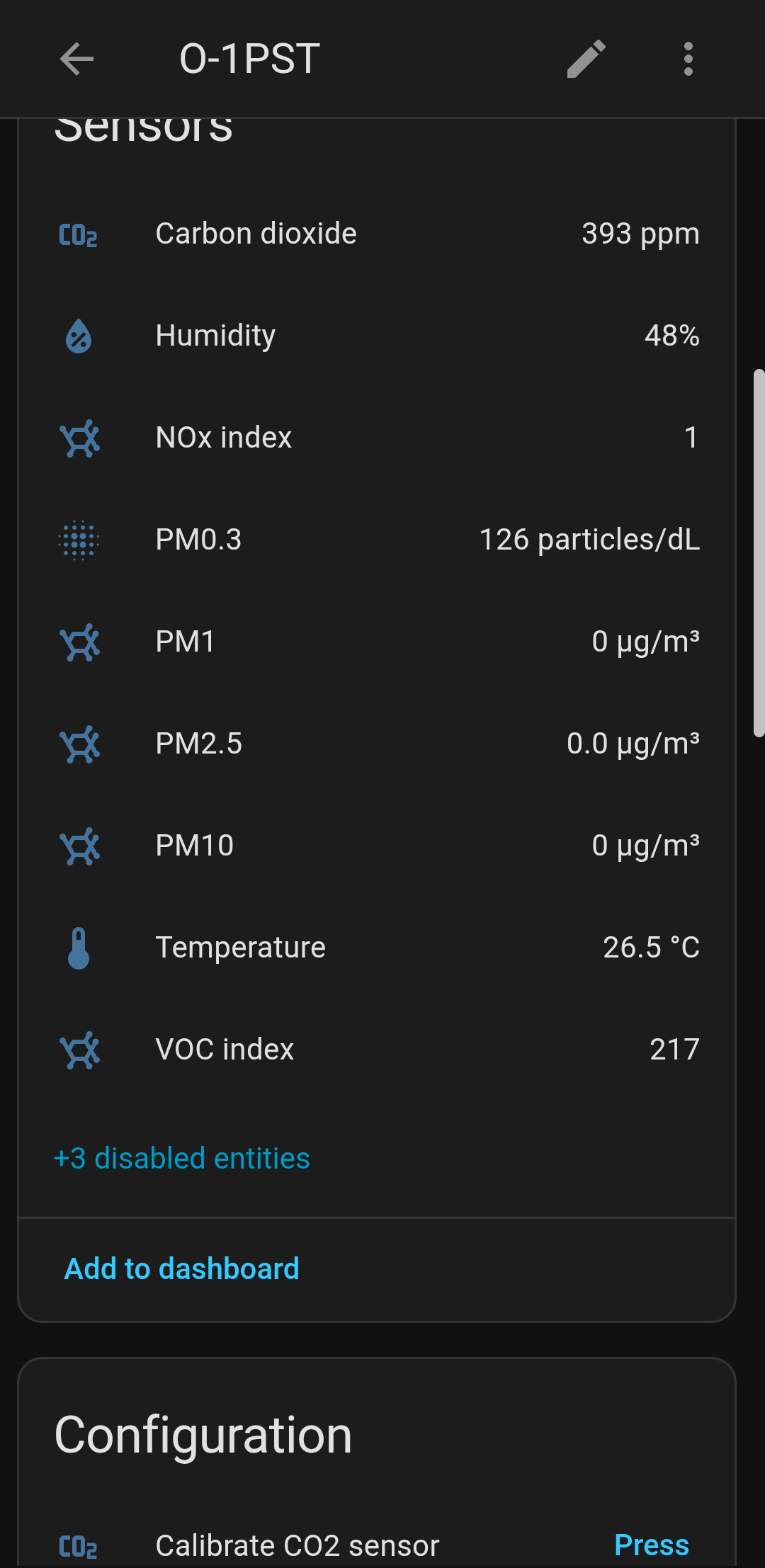
I believe they only sell the Open Air as a fully assembled kit, right? Did it come with a calibration report with values you can set for your device? Since it is showing PM0.3 values, the sensor is picking up, but at low concentrations, by default the PM2.5 values can be 0.
With the calibration values, it can adjust some of the lowest range to be more accurate, but when PM gets bad enough, it will be accurate anyway.
If it didn’t come with a calibration report, then you could take the unit apart to get the Batch number off the PM sensor and then apply the general corrections, but the screws are very small T6 screws and they are deep inside a hole, so you need just the right screwdriver to be skinny enough and long enough to reach the screws with a T6 head.
Nope . . .
Ah, in that case @LB52 take it apart to get the batch number off the sticker on the side and apply the correction algorithm.
@MallocArray Hi, I see the numbers. What must I do with them, how do I calibrate? And can I calibrate if connected locally with Home Assistant?
If using Configuration Source as Cloud in Home Assistant:
From the main Dashboard page, find your device and click the three dots under the Admin column on the same line as your device
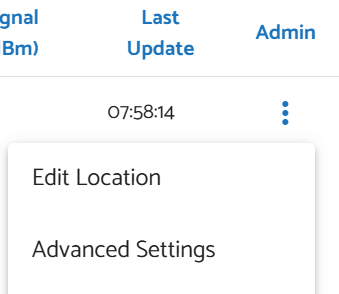
In the PM2.5 Calibration Formula dropdown box, pick the one that matches your sensor type and the batch number printed on the sticker. Also make sure the “Apply EPA Formula” is still checked

If you are using Local for the Configuration Source, I know you can set the Calibration Formula with the local API:
I don’t think that Home Assistant has an option field to set this in that interface directly, but I could be wrong. I primarily use either the Cloud configuration, or an ESPHome configuration