Hey guys!
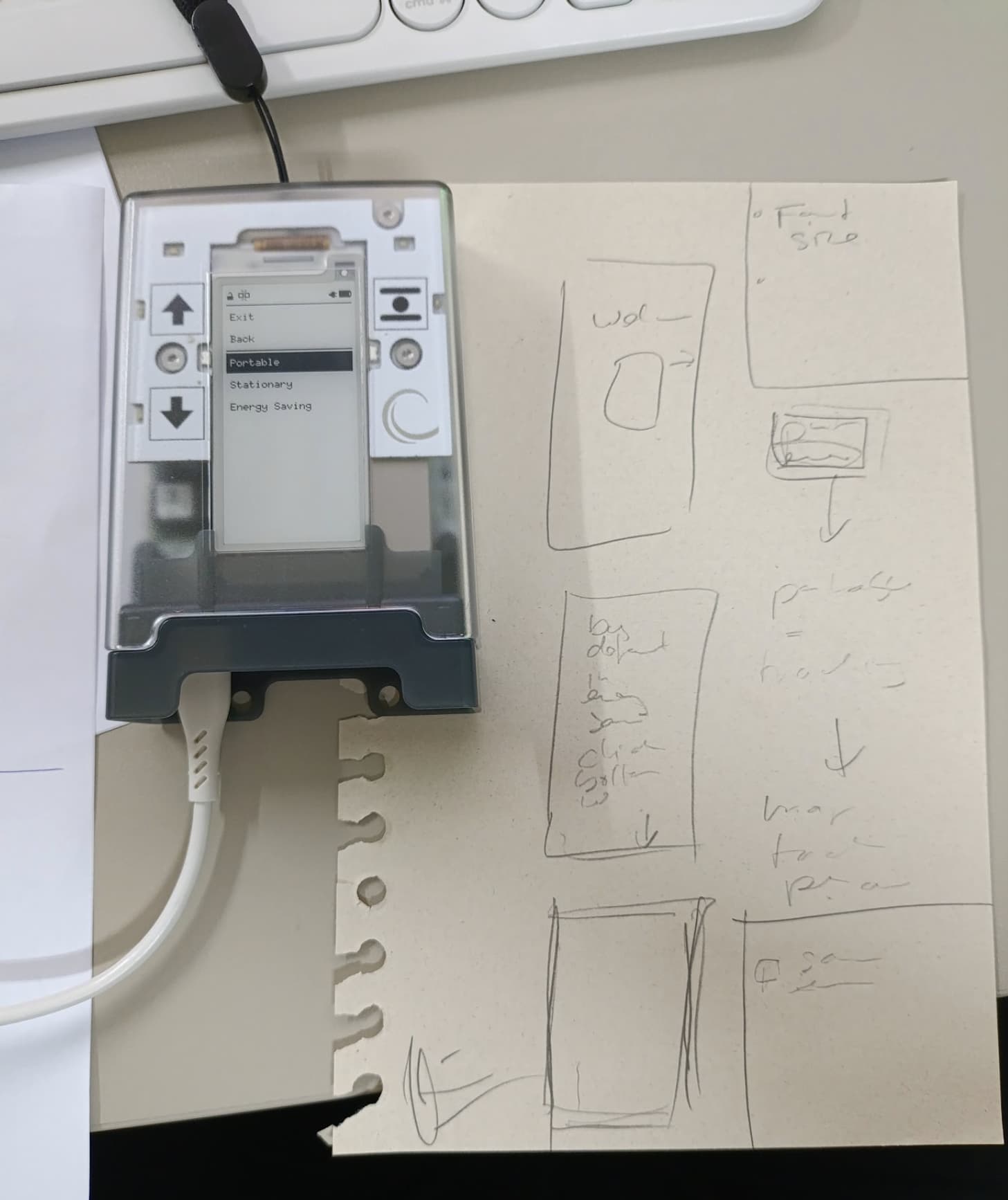
Our team is exploring ways to make the AirGradient Go’s mode more intuitive. We have received some feedback that users are confused about the Go’s operating modes. Also a lot of suggestions to make mode switching more seamless (like automatically switch to Stationary Mode when a USB-C cable is connected).
So we think it could be interesting to hear from our Go users.
We haven’t decided which way to go yet. But here’s what we have in mind so far:
- Have only 2 modes: Portable Mode and Stationary Mode (each mode could have sub-settings)
- Portable Mode (with Power Saving on) is the default mode
- Route Tracking has independent settings (like measurement interval that applied only when tracking)
- Have a sub-setting for Portable Mode to set an auto-stop route tracking, e.g., stop tracking after 1 hour, 2 hours. Then go back to Portable (with Power Saving). Use case, for example, when not tracking, the measurement interval set is 5 minutes. When tracking, it switched to 3s interval (independent Route Tracking settings), then after 1 hour, go back to 5-minute interval.
- Add ‘always record’ feature to record measurements all the time, without the need to start a route tracking. This feature is not on by default (we want users to opt-in to use for e.g. privacy reasons).
- Stationary Mode is automatically triggered by connecting to a USB-C power supply.
What do you guys think? If you have any other ideas, please feel free to let us know. I’ll be back on Monday.
Hope you all have a nice weekend!