Hi @Shinji, would you mind trying to clean-flash a firmware to your monitor?
Connect your monitor to your PC via a USB cable, and go to AirGradient ONE (I-9PSL), Open Air (O-1PST) and Open Air Max (O-M-1PPST...) Firmware Versions
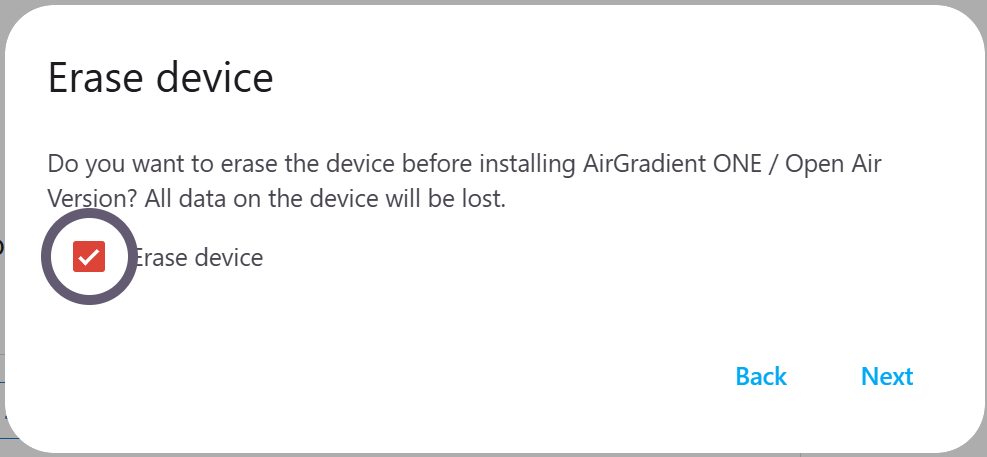
Follow the instructions there, and when this window is prompted, please check ‘Erase device’. Please note that this will erase your previous configurations, you’ll have to connect it to your Wi-Fi again after this (as if you have just received a new monitor).
After the flashing is finished, please try connecting your monitor to your AP.
Note that if you had selected your target firmware on the AirGradient Dashboard to 3.4.1, on the first boot after firmware flash (the firmware here is 3.6.2), the monitor might not be responsive for a while, as it will try to communicate with the server and downgrade itself to 3.4.1. It will take a while.