AirGradient Forum

Go arrived with dead display LED

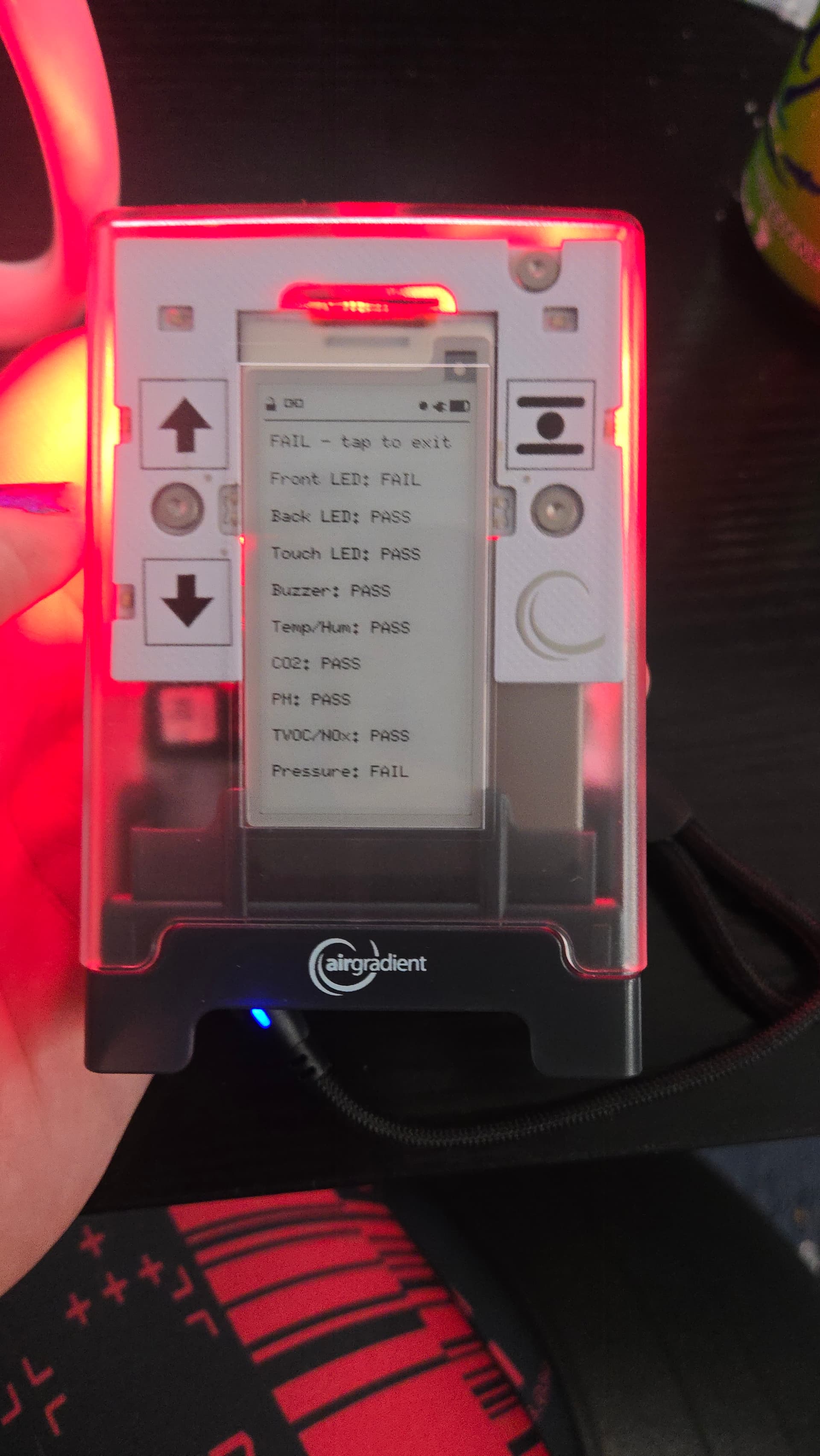
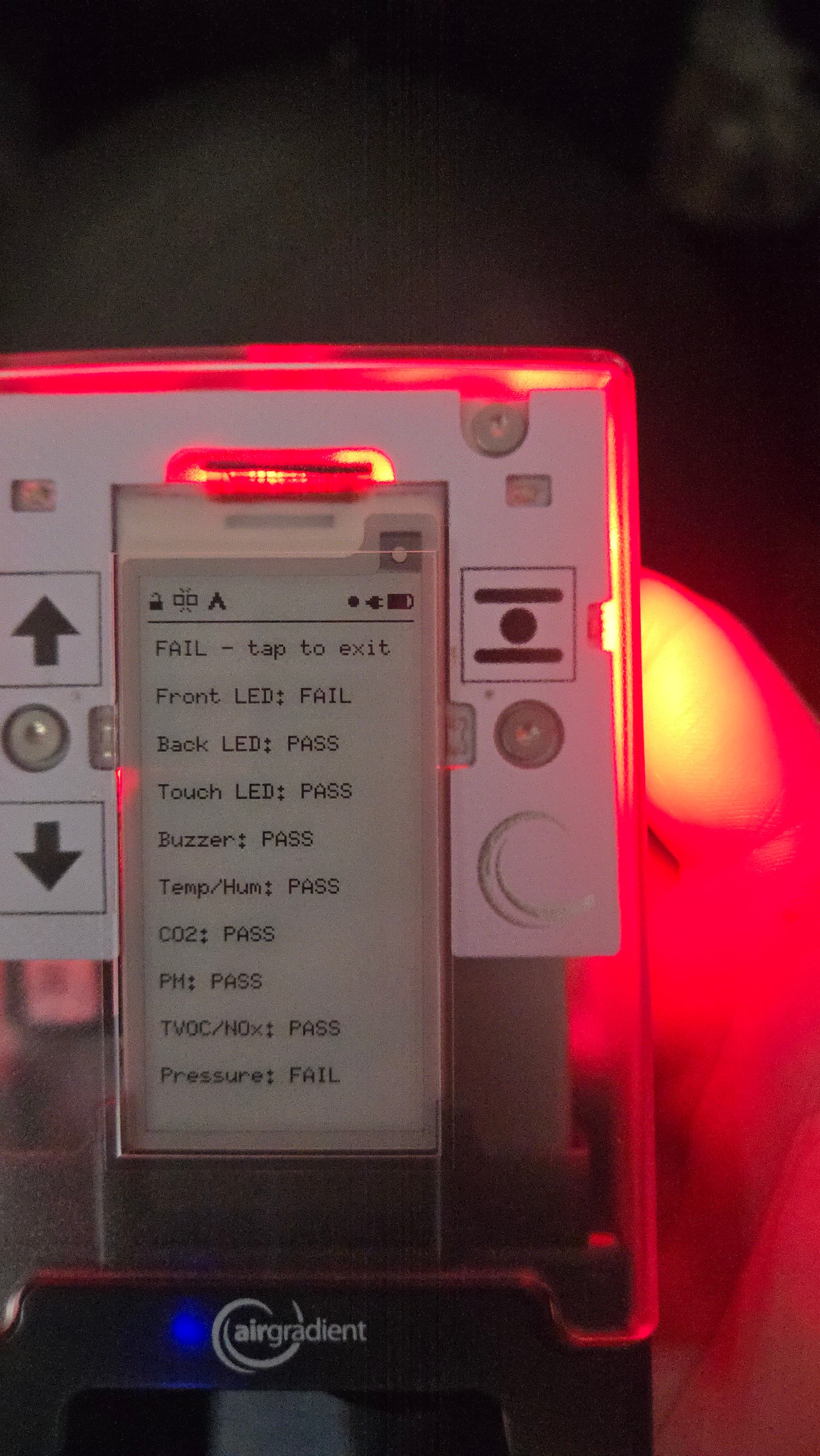
My AirGradient Go has finally arrived and so far seems to be working pretty much as advertised, however as I was working through the various settings I noted an entry for Display LED and was surprised nothing happened when I tried the various options. Found the Hardware Test entry and when that got to the Display LED it also did nothing.

It is honestly NBD from my end, I’m not sure I’m going to use any of the LEDs 95% of the time, but just wanted to let you know for quality control purposes. (Let me know if I should post the SN here or not.)

Otherwise really excited to get out and about with it. Too bad it arrived the same day I returned from a trip where it would have come in handy. Next time!
Hi @Cavorter! Thanks for the feedback. Awesome to hear you’re enjoying the Go so far.

How did you find the initial setup experience and documentation? Was everything easy to follow, or was there anything you think we could improve?

Regarding the Display LED, I believe this functionality has not yet been fully enabled in the current firmware, but I want to confirm that with the team before giving you a definite answer.

My colleague @Tai_AirGradient will follow up with more details on this tomorrow.

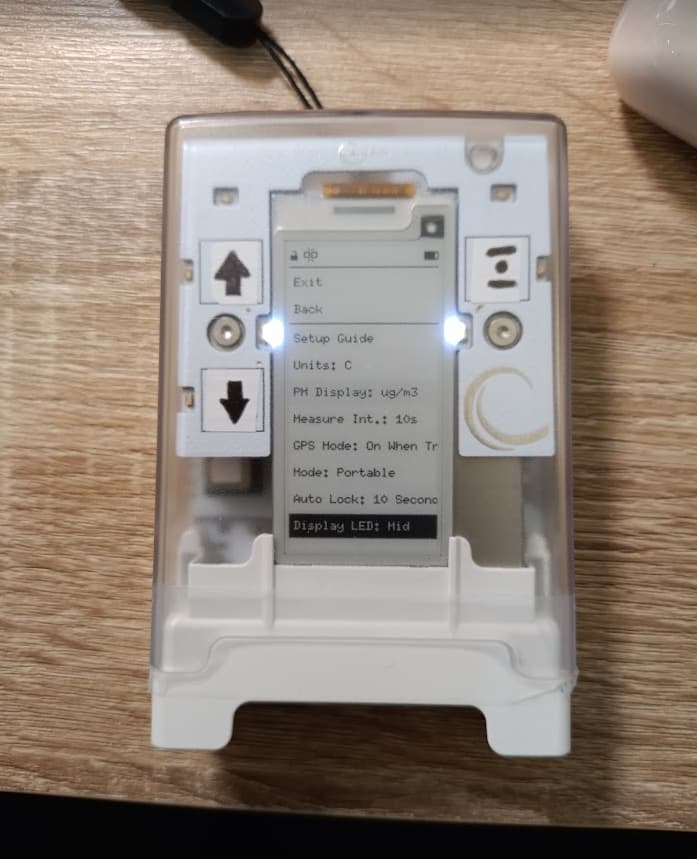
Hi @Cavorter, thank you so much for your feedback. The Hardware Test setting should trigger your display LEDs, and the LEDs should turn on like this:

I suspect that the display LEDs of your Go have some issues. Does the AQI LED (the RGB one) work if enabled?

Please contact us via https://www.airgradient.com/support and provide us with the serial number and order number. @Altair_AirGradient and I will work this out. Thank you.

Same here, all leds and beeps are running fine in the test except for the front leds.
I also have my display flicker between white background black letters and black background white letters at random moments. Or at least seems random to me. I am running in BT mobile mode not stationary mode.
Otherwise it is running fine, although the temp reading is to high but I saw this mentioned in another post as well and there was a correction coming in a newer firmware I belief.

Hello @Malcom, welcome to our community and thank you so much for your feedback.

Could you please contact us via https://www.airgradient.com/support and provide us with the serial number and order number? A video while performing the hardware test would also be great, if you could. We will investigate this and help you with the issue.

Regarding the occasional display flicker, this is normal for an e-paper display (a type of display that the AirGradient Go uses) that needs flickering to refresh itself.

1 Like

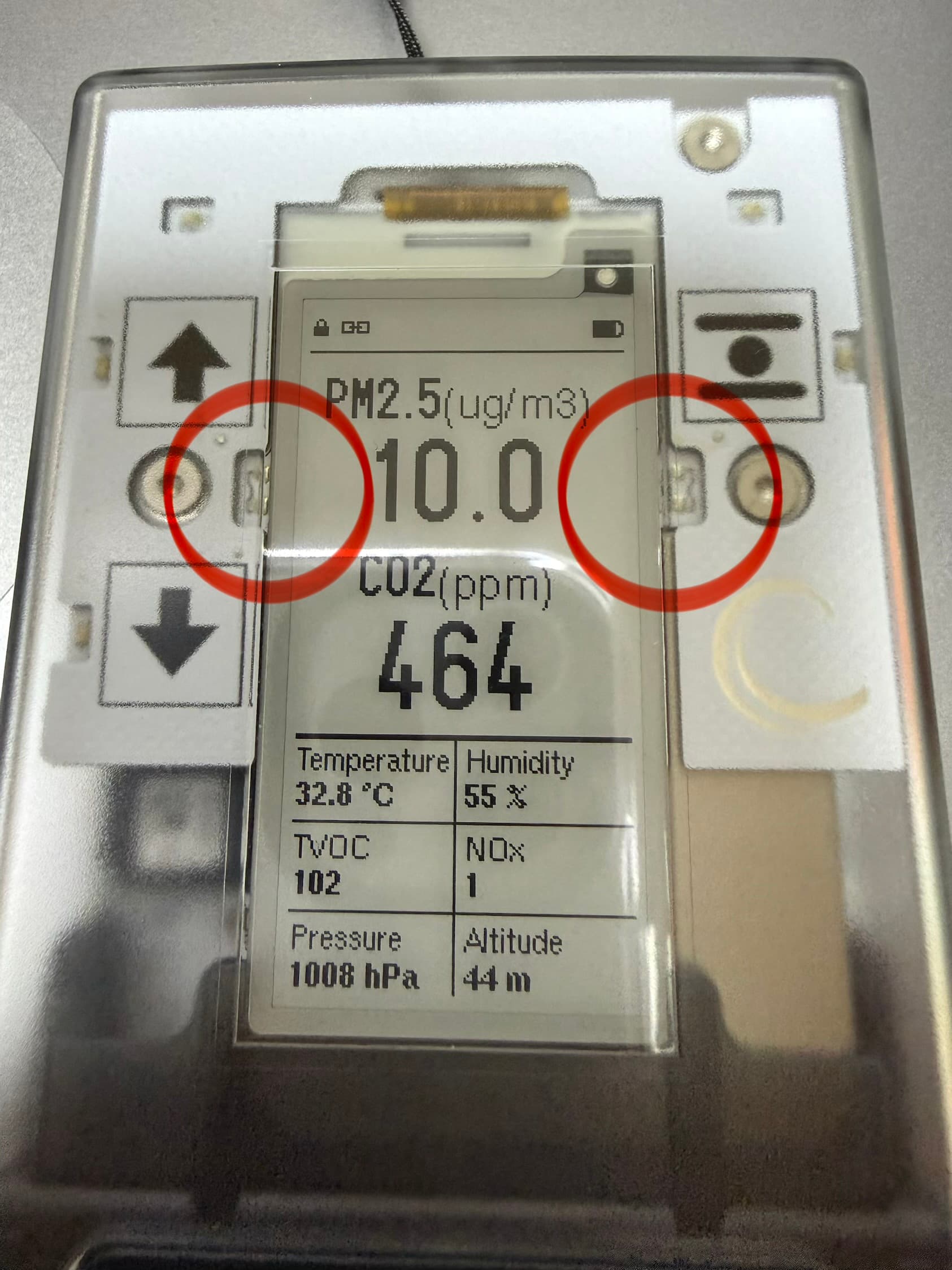
For me the display LEDs work fine but the Touch LEDs behave weird.
If I press „down“ the led at the „menu“ button will illuminate and the other way round, the „up“ key LED works as expected.
Sometimes the touch LEDs will stay illuminated for some time, sometimes they just illuminate when the touch field is used.
I will probably never use the touch and/or display LEDs so I don’t really care, just wanted to report.
I can send a video if you want one.

1 Like

Hi @Randomperson, thank you for your report. This is helpful. I successfully reproduced the issue you described by touching the menu button (the Enter button), then the Down button LED illuminated. Please let me report this issue to our firmware engineer. Thank you again for your feedback. Please feel free to let us know if you have any issues.

Startup with the QR code to the docs worked great, and the only issue with them was that I had to find the post on the forum about how to enable streaming data.

Thank you for the feedback! Are you using the Android app or the iOS app?

First time was with the iPad app, but then it occurred to me that I wouldn’t be able to stream data while traveling, so switched to the Android app on my phone. There was a bit for a few minutes where it wasn’t obvious how to get the iPad app to forget the connection and they fought over the connection for a bit, but I figured it out eventually.

Thank you for the update. There is indeed a bug in the Android app which makes this a bit confusing. Sorry about that - we’ve already reported it to the team!

Hi @Randomperson, I would like to inform you that the button LED issue you reported is now fixed in firmware version 1.1.1. We will start rolling out the update once it is tested. Thank you again for reporting the issue.

1 Like