Hi,
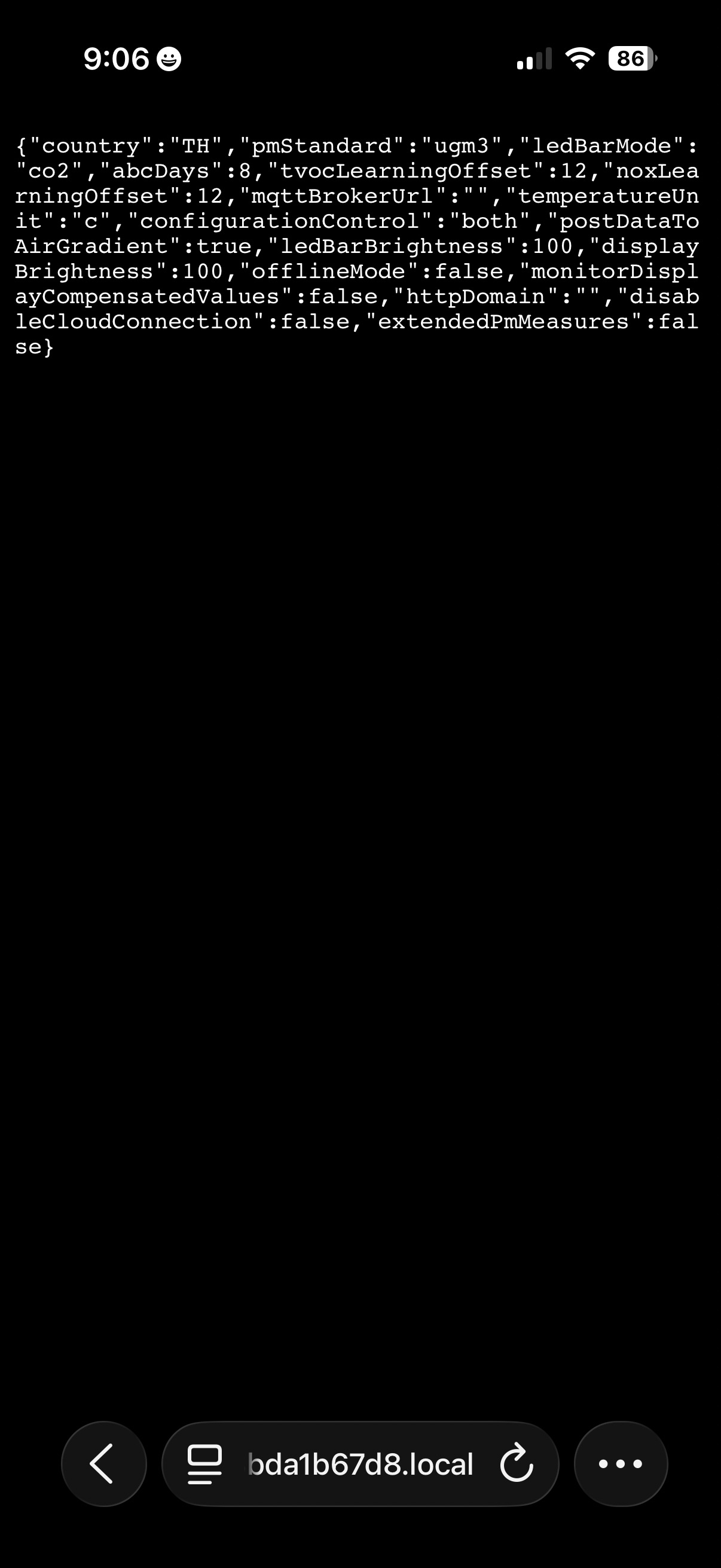
I just put together my AirGradient One indoor unit (IP9SL-DE) and everything went smoothly all the way through connecting it to my WiFi, but when I go into my dashboard on my phone OR look at the screen on the unit, the two are not connected. I rebooted a few times and waited overnight to send this help request to see if it was a server error that might resolve with time. When I go to http://airgradient_d83bda1b67d8.local/config
I see the unit (see screenshot) but I don’t know what to do next.
Hi @t.pen, I’ve checked your S/N and found that the monitor is up and online now. Congratulations!
Would you mind sharing how you troubleshooted the issue (if you’d like to) ? This will be helpful for our community and us if there’s a case like this in the future.
Thank you!
We use Starlink wifi hardware with a combined 2.4 and 5 GHz network. I split those into discreet networks and the AirGradient One was able to connect immediately.
To connect it to the dashboard, I deleted my previously set up device and did that process over again.
I discovered that a key element to this is that when you make a change, wait a few minutes before deciding whether or not it has any effect. In my case, 2-3 minutes was enough time for the changes to migrate through and be recognized by the local and cloud-based facets of the system.
2 Likes
@t.pen That’s really helpful. Thanks for sharing your experience!
Regarding your discovery about waiting time, you’re right. Since the AirGradient monitors (e.g., I-9PSL-DE, O-1PST use Wi-Fi) have a 60-second interval to communicate with the AirGradient Dashboard. That said, you’ll see the reading (data from the monitor to the server (Dashboard)) refresh every 60 seconds. On the other hand, changes you make via the AirGradient Dashboard (data from the server (Dashboard) to the monitor) will take effect in approximately 60 seconds as the monitor fetches configuration from the server with a 60-second interval. In case of adding a new device (or a device that has just booted), it may take a few minutes.