I just got the outdoor monitor and it’s saying it’s 103f out side I am wondering if there is anyway to calibrate it. Thank you for the help.
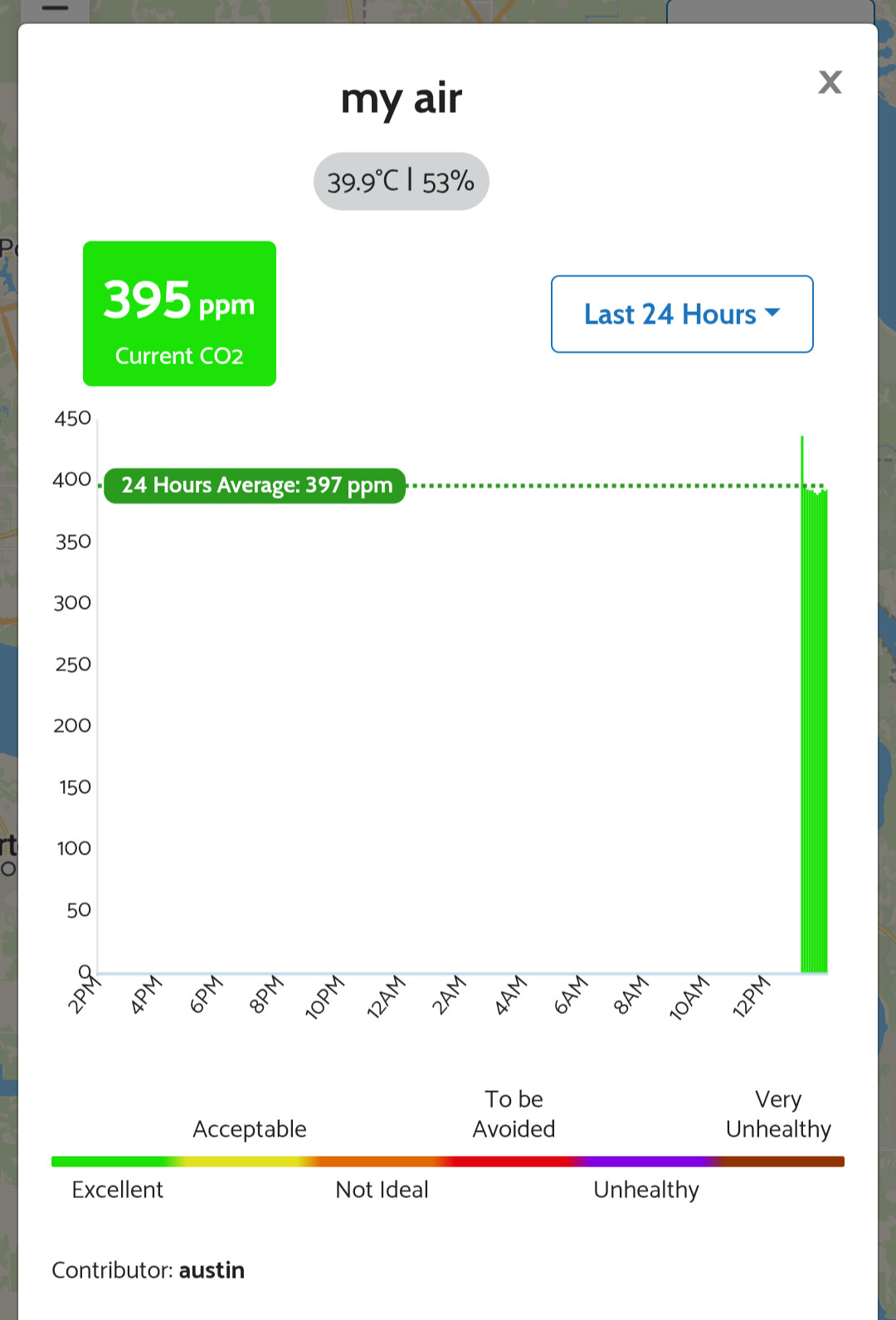
I am in lake Wales fl the the devices called my air.1000001649|339x499
Is it in direct sunlight?
There is a temperature compensation that I think is automatically applied if you connected it to the AirGradient Dashboard site. If you go to the Advanced Settings for your device you can see what correction algorithms are being used.
No I have it under my soffit on the W side of the home so the only time it gets sun is the first few hours of the day then in the shade all day. On the calibration formula when I check in administration it’s a standard open air calibration. It’s staying about 10F more then what my old school mercury thermometer says
Does is vary at all, or stuck at 103?
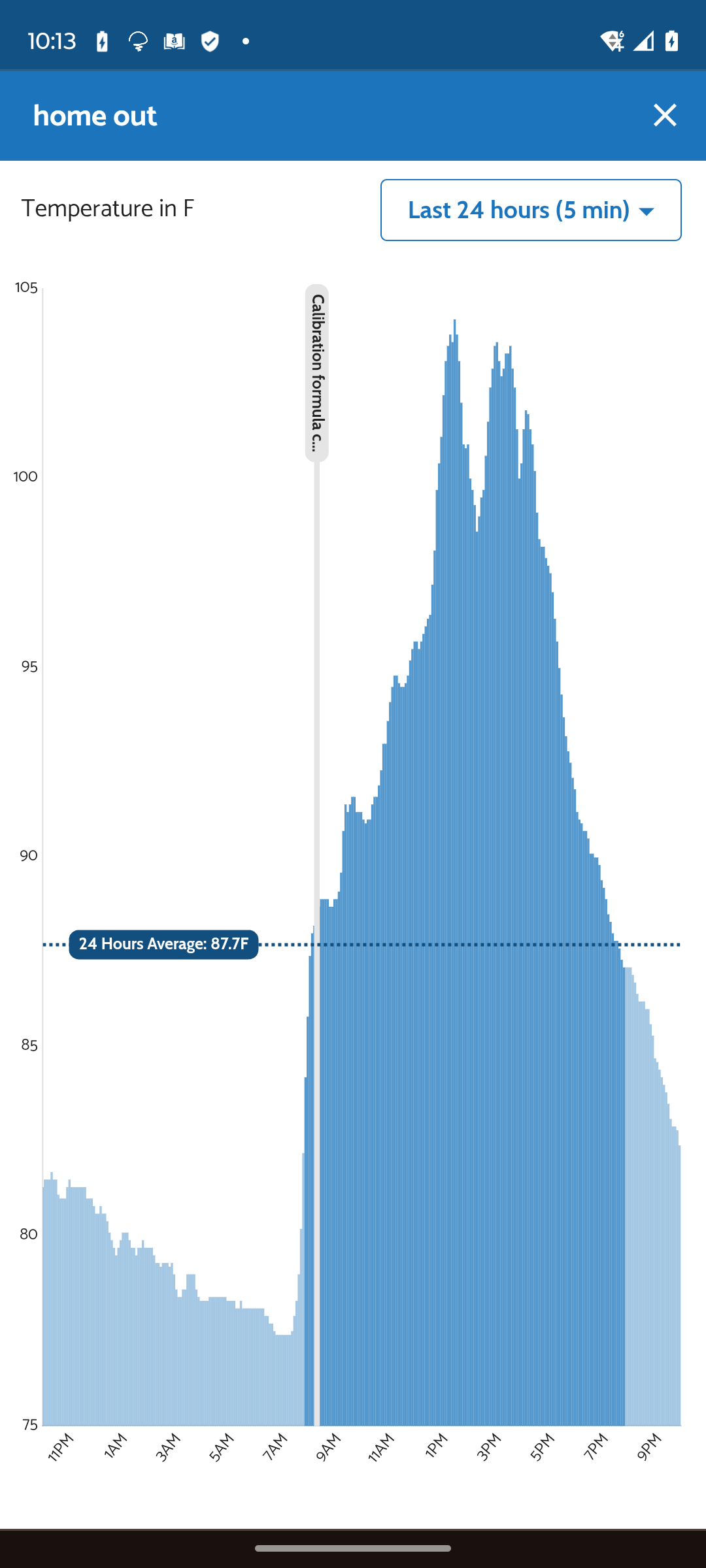
I checked the housing temperature with a handheld temp reader this morning the outside case was reading 86 the blue part on the bottom was about 87-90 the closer I got to the power supply the hotter it got. The out side temp was 80 and it was reading 89. It’s also in the shade
Was there any resolution on this? I am seeing something similar on my outdoor air gradient. The temperature reading is absolutely garbage and it should be a calibrated unit.
I have not had any luck with it still seems very off. it seems closer to what they say the temperature feels like than the actual temperature.
Hi @FL.hot @kugreg, since the AirGradient Open Air’s temperature and humidity sensor is an integrated component of the PM module (Plantower PMS5003T) intended to be used for improving PM reading accuracy. It is located inside the casing of the PMS5003T and is usually affected by heat produced by the working electronics. So the reading could deviate from the real ambient temperature and humidity.
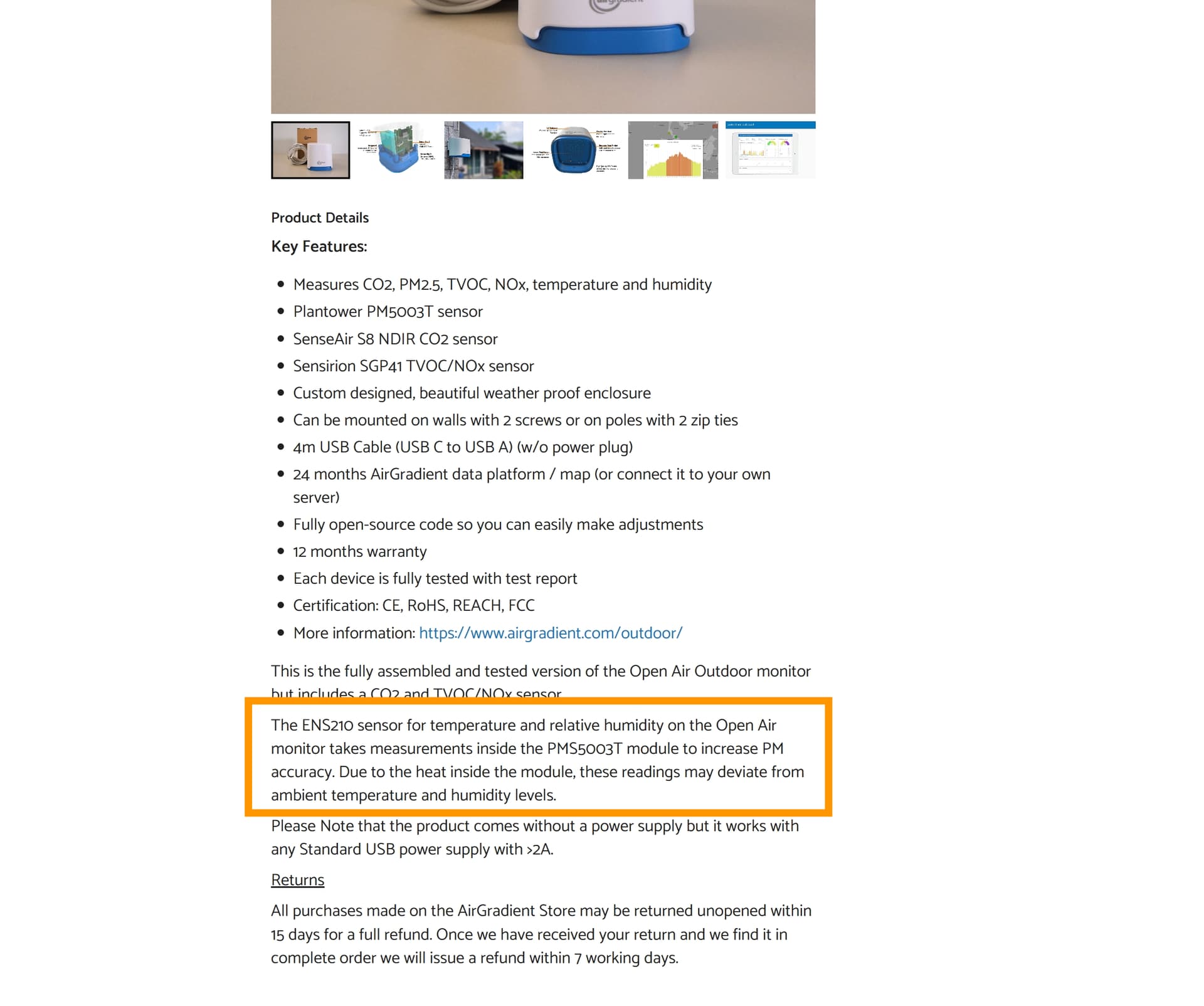
If the Standard AirGradient Open Air Calibration doesn’t work perfectly in your case and the temperature difference is consistent between the Open Air’s reading and your reference temperature device. You may consider applying an offset by going to Dashboard > Locations > Admin > Edit Calibration > Temperature/Relative Humidity. Select ‘Custom’ in the dropdown menu and input the offset number.