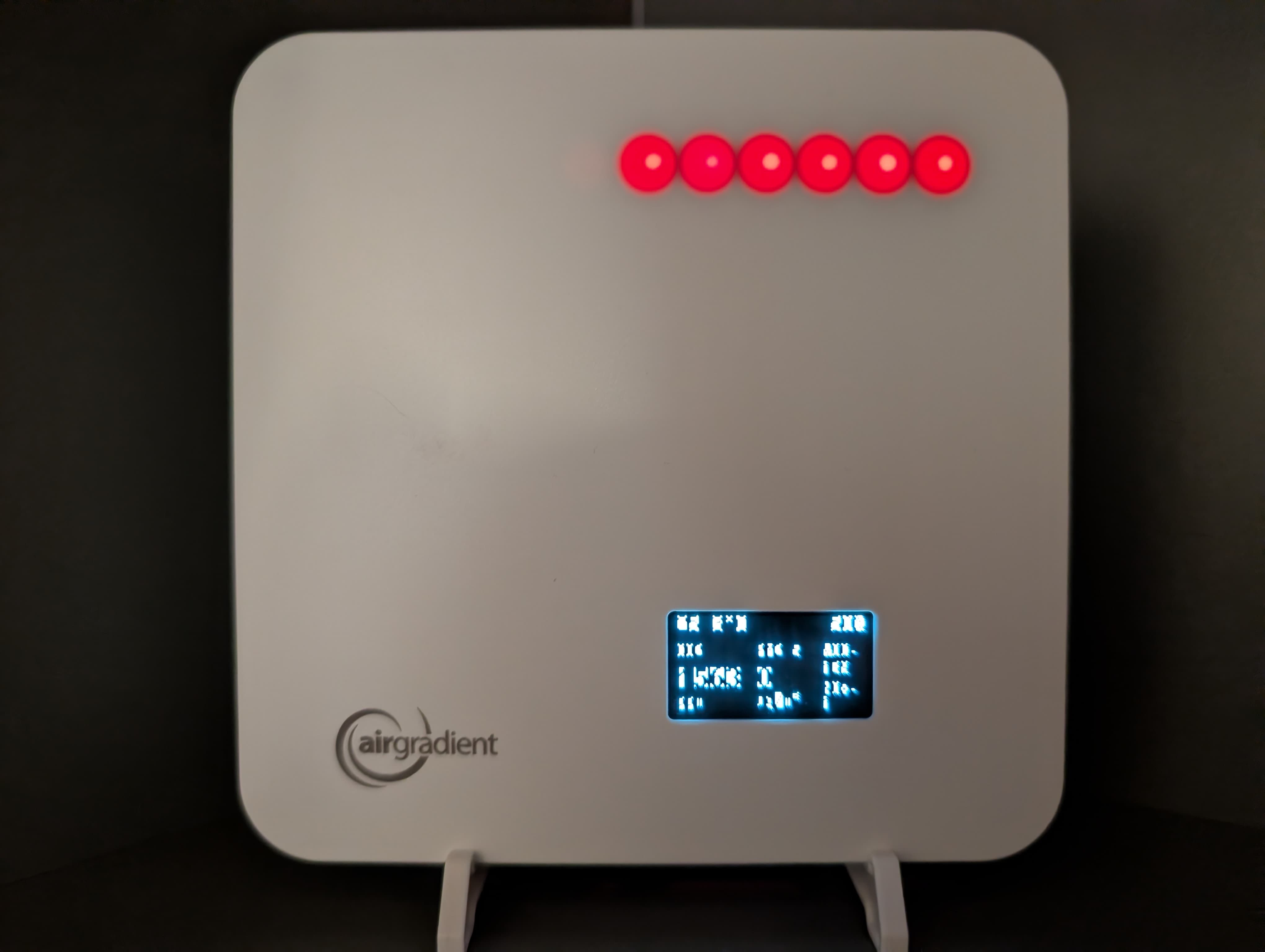
My display has gone a bit weird/spooky. Is it some kind of Halloween update?
1 Like
Have you tried pulling the power cable out, wait 10 seconds, then plug it in again?
1 Like
Hi, I had a similar issue yesterday evening. Pulling the plug then connecting again resolved this.
I-9PSL on FW 3.3.9
Restarting the device as MallocArray suggested should solve this instantly, but the fix may be temporary. If you encounter this again, could you please swap the power adapter and ensure you are using something that is at least 5v 2a? This issue seems to stem from the adapter used in most cases.
3 Likes
I’ve seen this a couple times as well the past few (?) months. Pulling the power and back in the display was restored both times.
Just saw this same issue today on one of my I-PSL units on firmware 3.4.1.
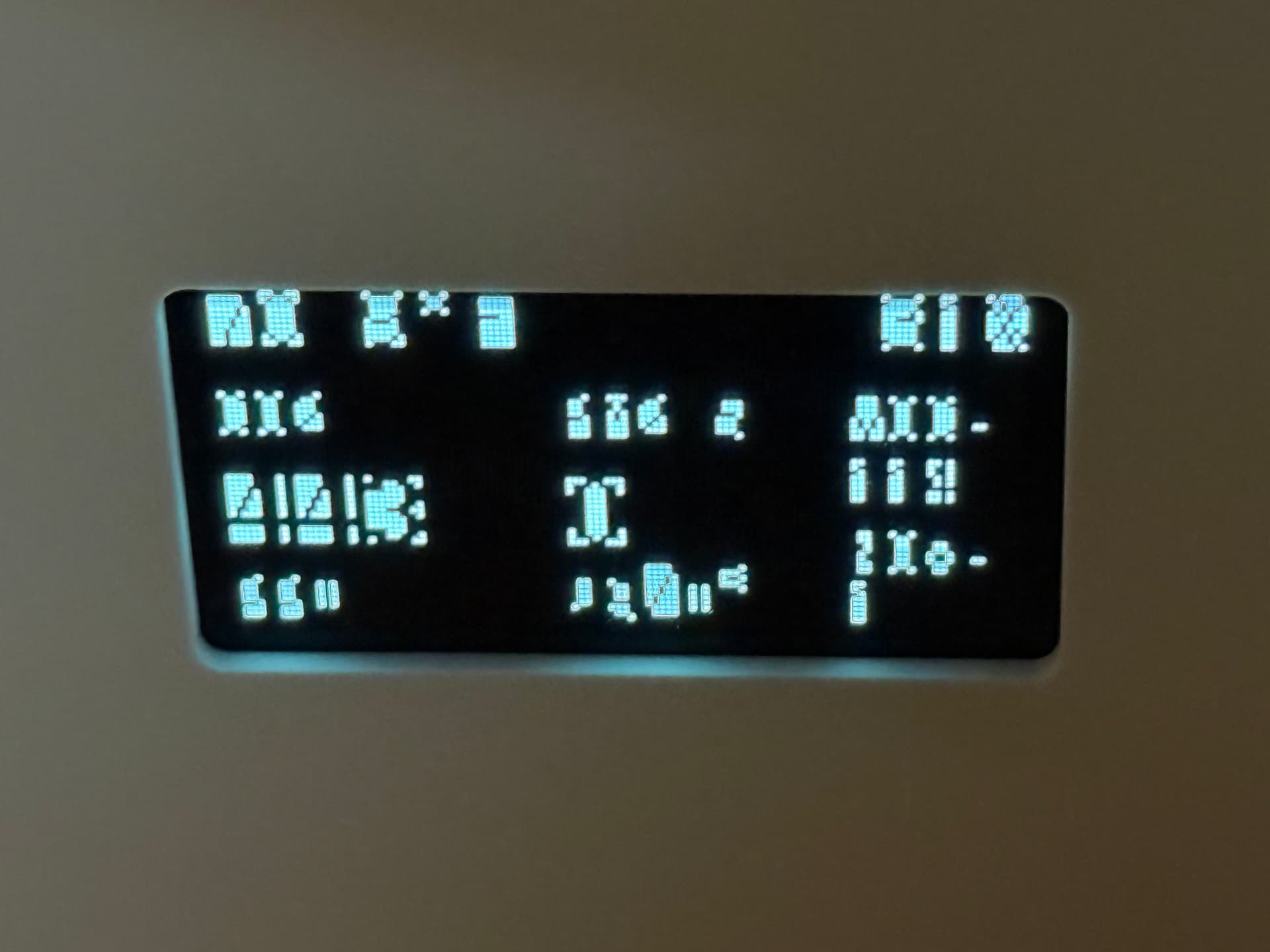
Power cycling does solve the issue, at least for the time being. I am using a 5V 2A power adapter, but I’ll try a different adapter if I see this happen again.
I haven’t seen this on my unit, and now I’m running 3.4.1 so if it starts up it could be firmware related
Is it possible to try a different adapter?
The power cycle always fixes it temporarily, but Ethan’s suggestion to try a different power adapter is probably the real fix.
This often happens if the unit isn’t getting enough power, so make sure your adapter is a solid 5V 2A one. Swapping it out is definitely the best step to stop the issue from coming back.
I’m currently using the USB cable to power connected to a less than year old, Legrand GFCI outlet with type a and c and 2.1 Amp 5v capacity. Circuit also has dishwasher, two LED lights and hot water kettle connected. I don’t recall the exact timing, but I vaguely recall seeing the corrupted characters earlier in the day. Where I suspect the dishwasher running over night may be a factor. I’m going to pay more attention to what else may be running on the circuit the next time it happens.
This would be quite interesting, but it could definitely be related. Please let us know what your findings are!