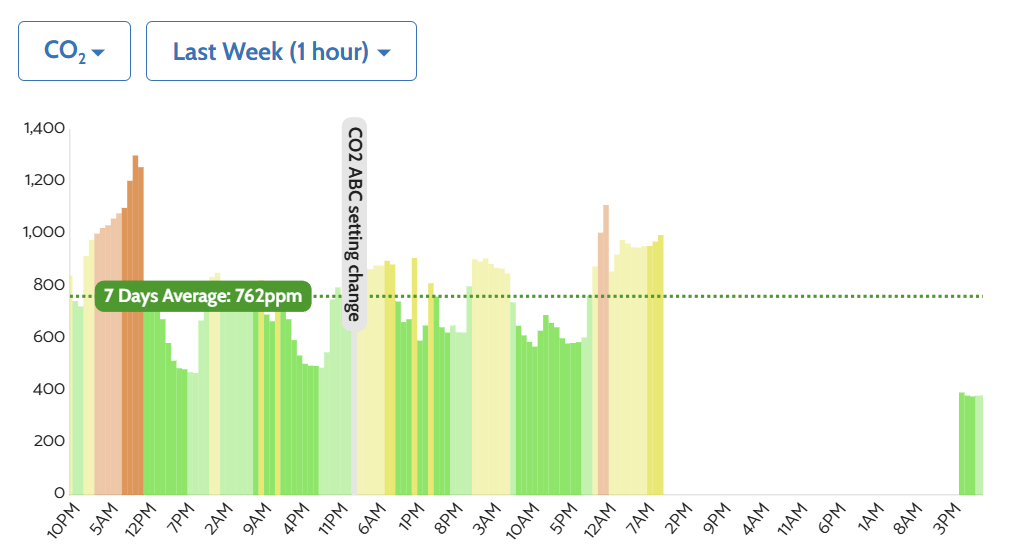
Looking to trigger a CO2 calibration, but looks like that function has either been removed or relocated - I can’t find it the dashboard any longer.
???
- Tim
Looking to trigger a CO2 calibration, but looks like that function has either been removed or relocated - I can’t find it the dashboard any longer.
???
I can’t find it either. There have been some significant changes to the site, and I’m unable to find where you would trigger a CO2 calibration
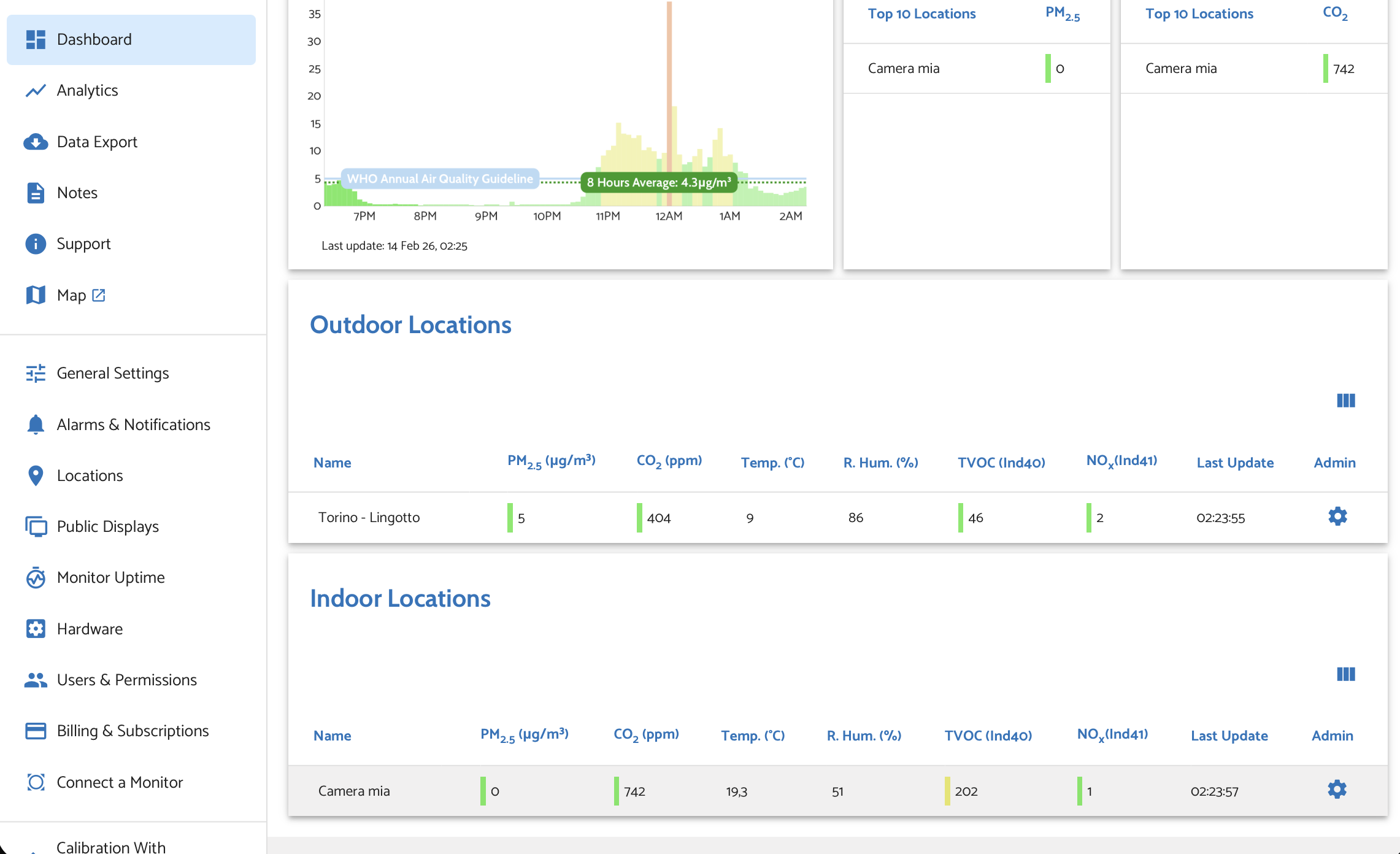
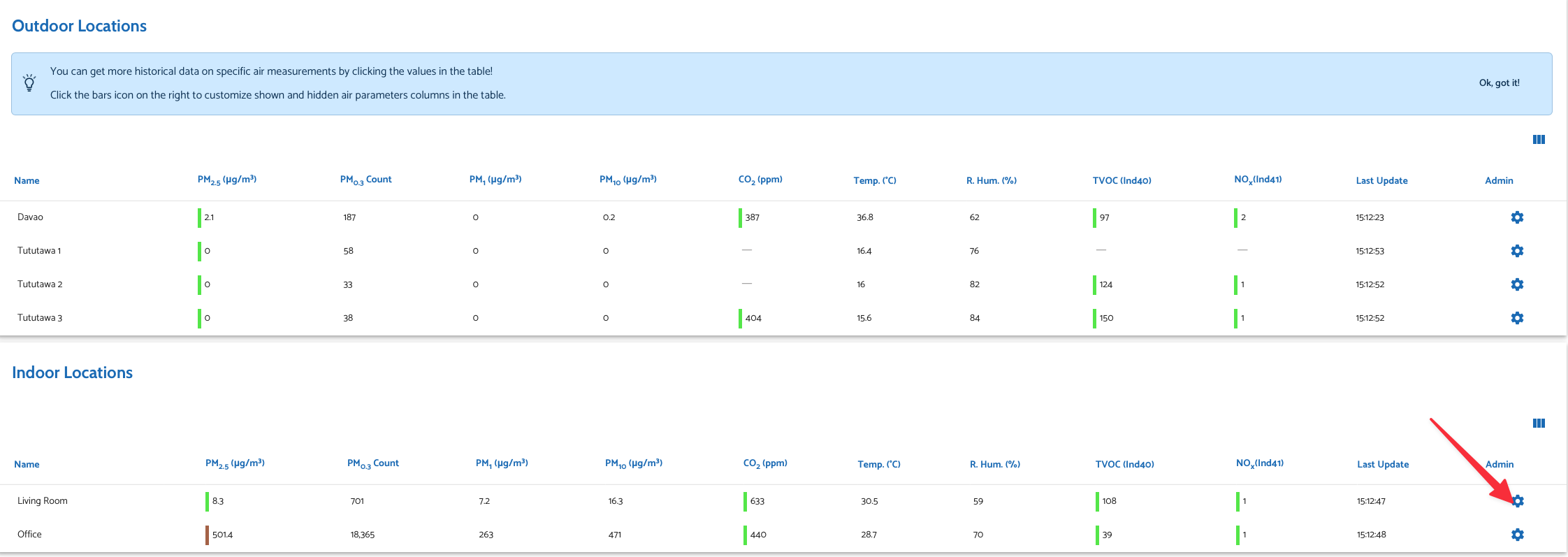
From Dashboard Admin
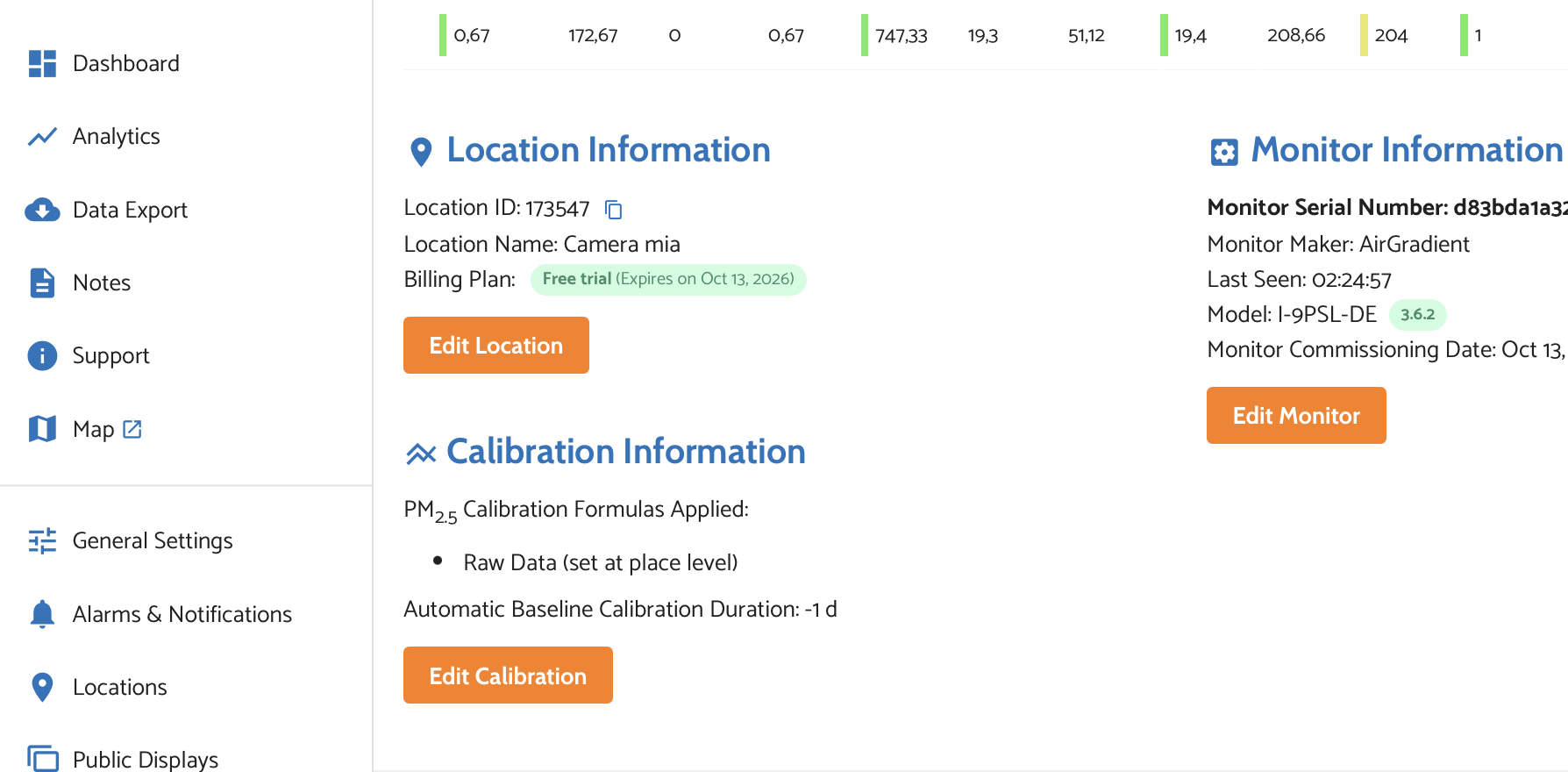
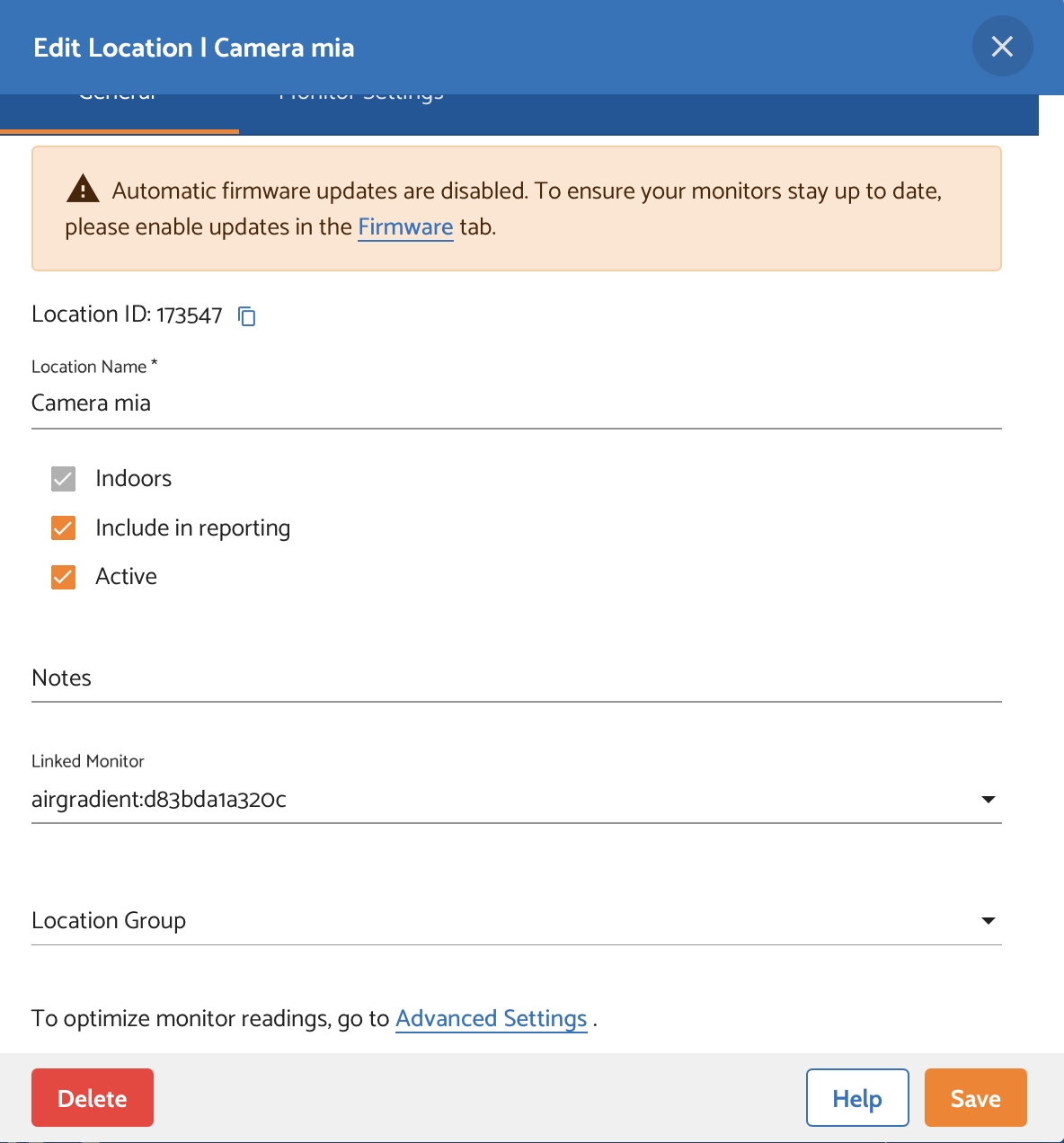
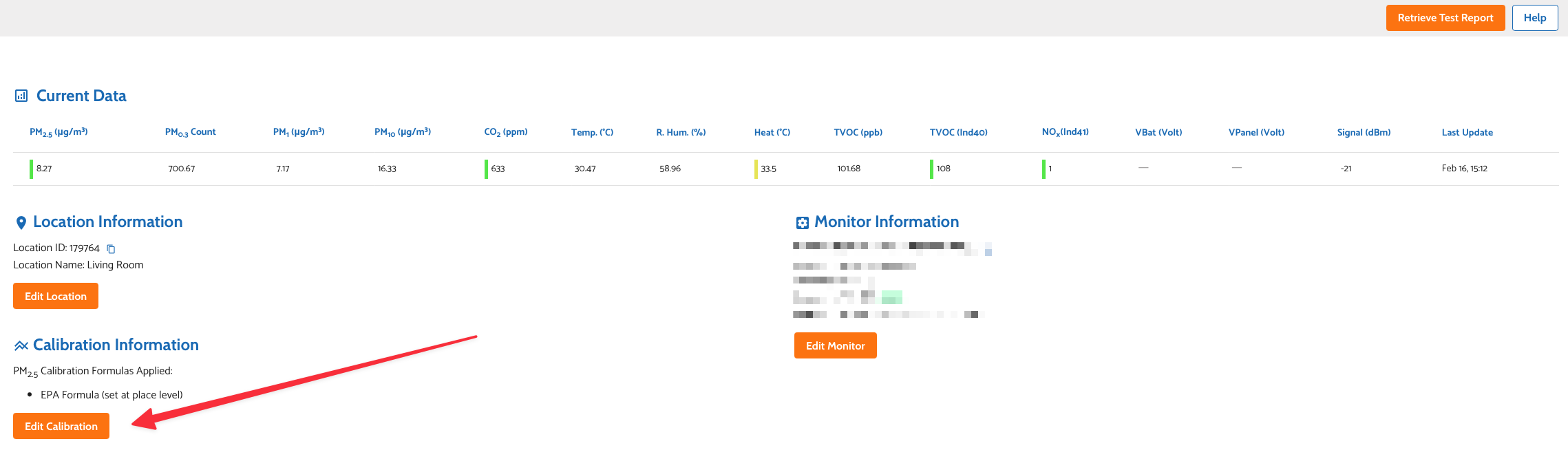
Then Edit Location
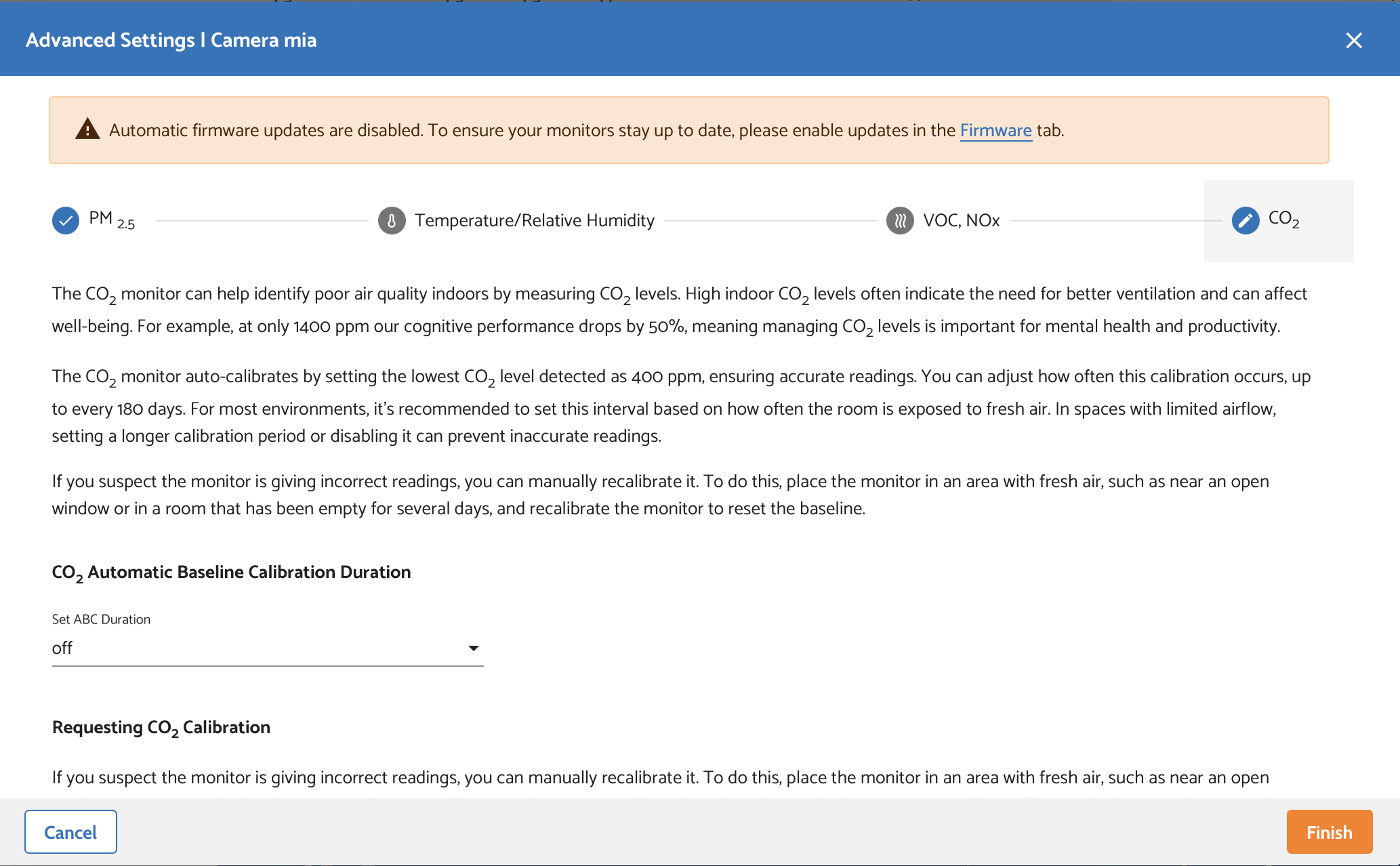
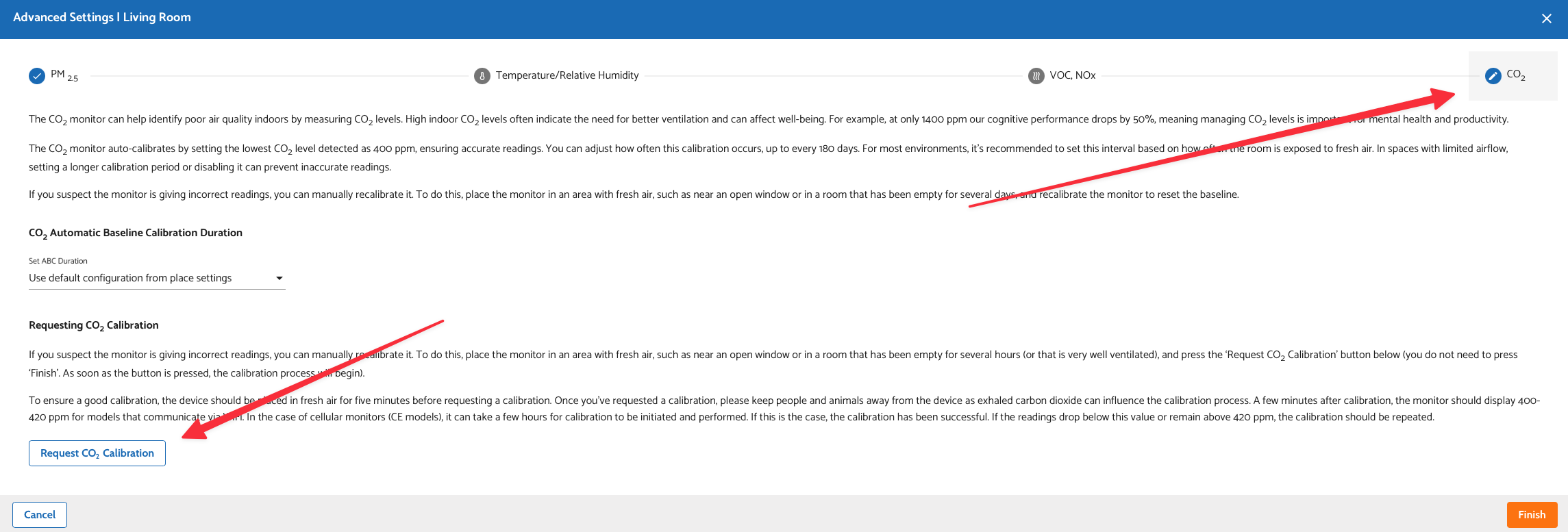
Scroll down for Advanced Settings
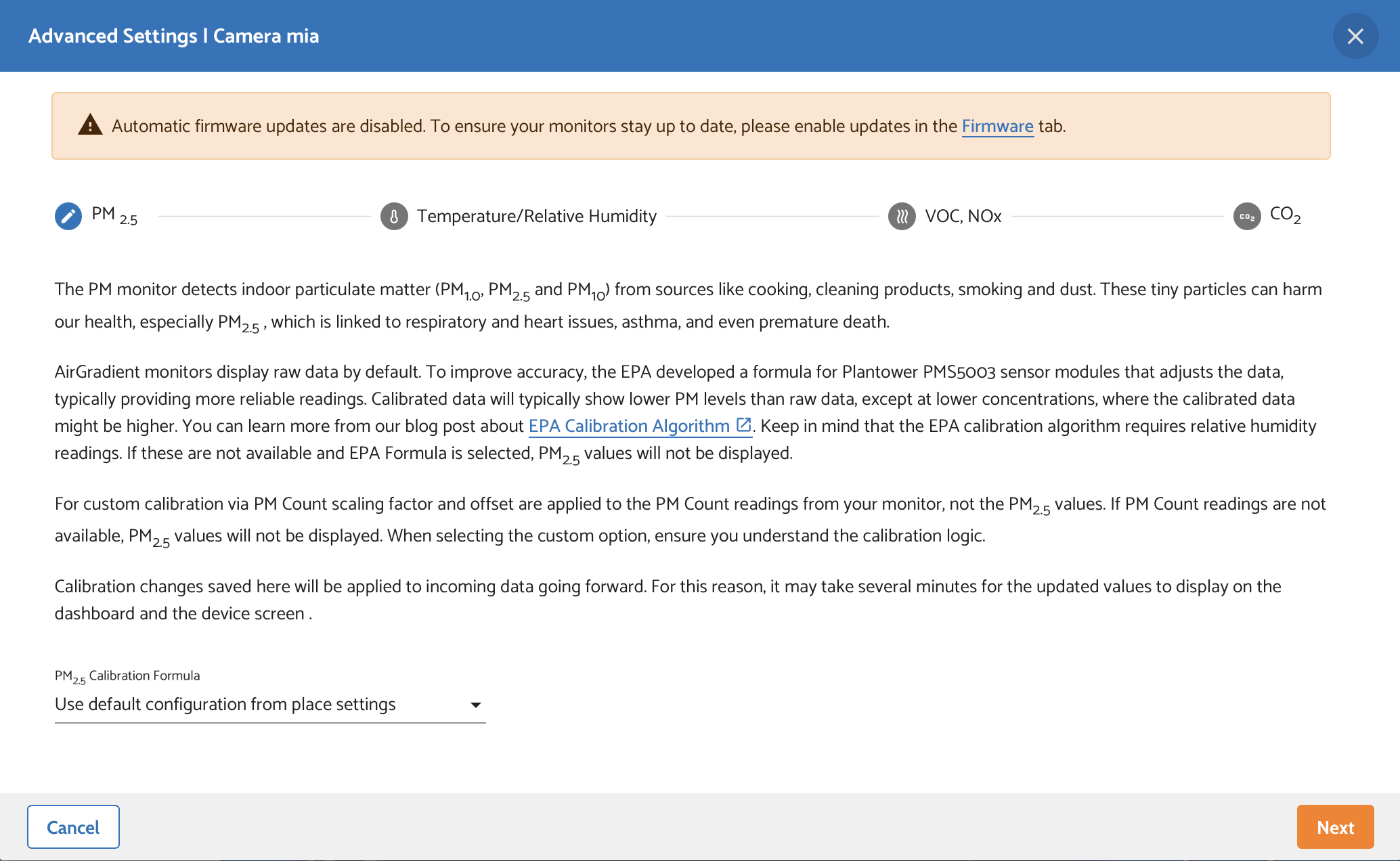
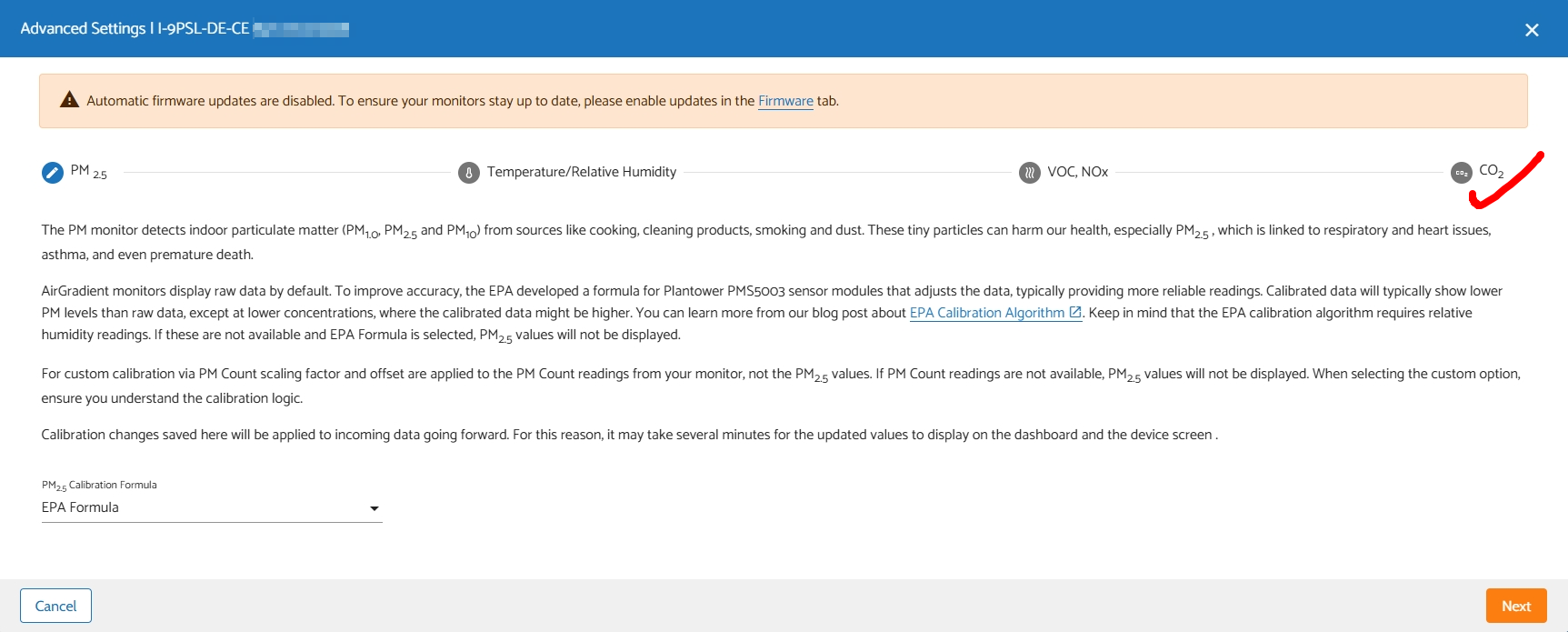
Then click CO2
And then you can request the calibration
Yup, that’s it, but a seriously bizarre place to put it. Why a device specific hardware setting would be buried in the location escapes me. Odd as well that everywhere else that references the calibratiins is almost identical, just without the CO2 stuff . . . .
Not a fan . . .
Hi @tadawson,
@gianfranco.bottini already explained it, but you can also get to the calibration menu this way:
I understand that it can be a bit confusing and I will ask our team if there is any way we can make this a bit more clear. Currently the location is what stores all information - calibrations included - for individual devices.
They’re at a ‘location’ level as opposed to a hardware level as there may be times when a monitor needs to be swapped, but you don’t want to lose location-specific data or settings.
Thank you. I had looked there numerous time, and don’t recall CO2 being there under edit (others missed it as well), but it’s there now, so all is good!
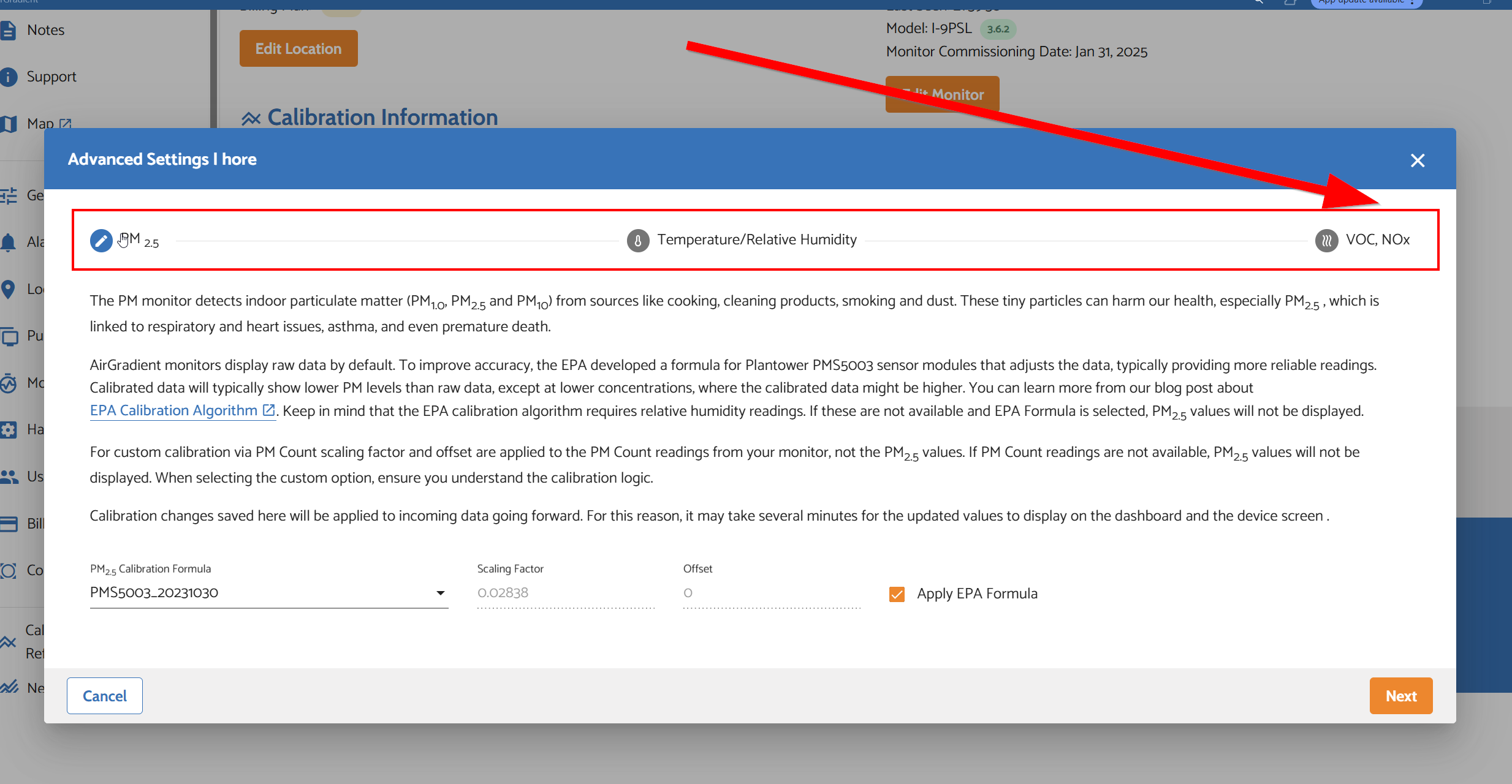
I don’t see CO2 section …
Ethan mentioned there is a bug that makes it sometimes not appear, which must have been what was happening to me. He suggested refreshing the page and expects it to come back then
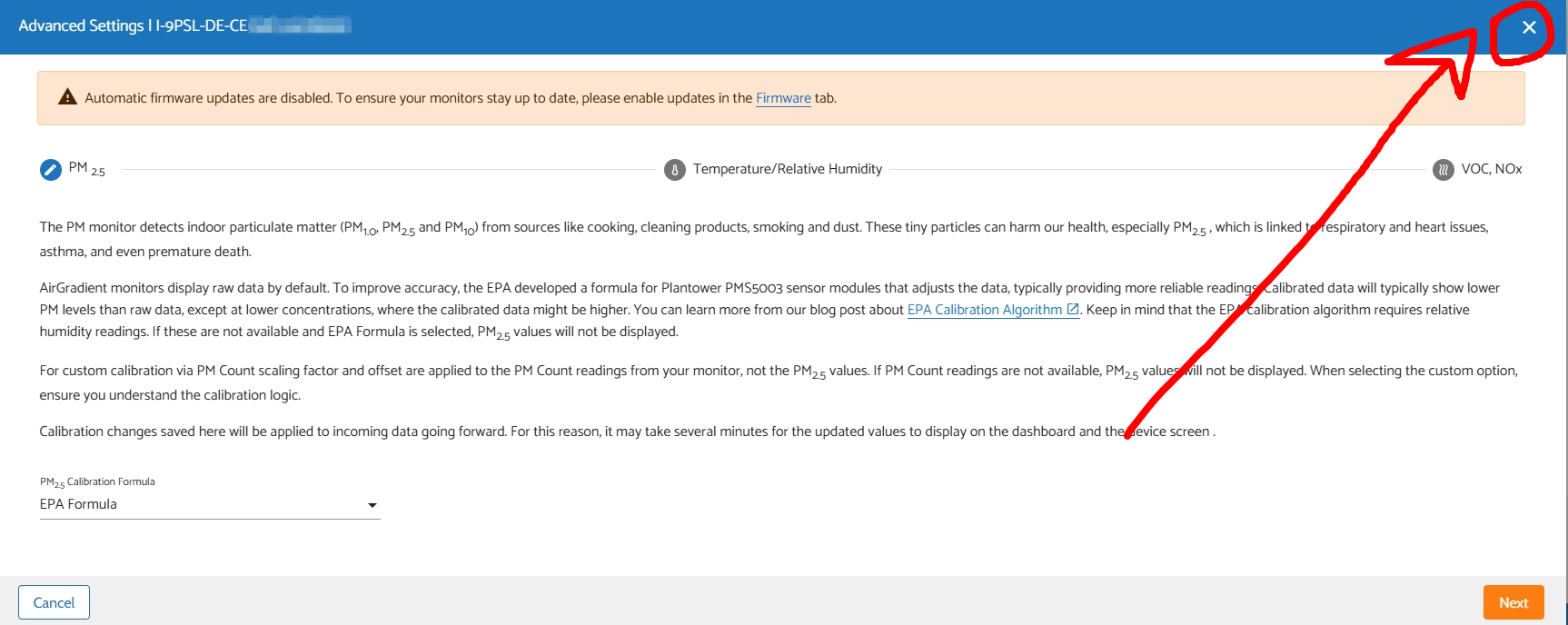
It is a bug that CO2 calibration tab randomly disappears. We are currently working on it.
In the meantime, if you want to access that tab, you can try closing this ‘Advanced Settings’ window and open it up again until you see the CO2 tab shows up.
Yup, that’s exactly what I had been seeing, which prompted my initial question (and comments about why it would have been moved).