AirGradient Forum

Airgradient Go Arrived

I posted this to reddit last night but their over zealous filters removed it. Tai suggested posting here :slight_smile:

Arrived safely this afternoon :slight_smile: ​Few things so far:

Love the form factor.

Pm2.5 was higher than my co-located ONE. 2-5ug/m3 vs zero… Which got me digging into why the ONE was flatlining (previously assumed my air was super clean :ok_hand::sunglasses::sunglasses:). Turned out I’d missed the calibration needed for the sensor… And been under reading for quite some time! Oh well. N​ow they’re much more comparable.

co2 is super close after calibration.

Temperatu​re is about 2 degrees C higher on the Go. Humidity is about 7 percent lower on the Go. I had calibration applied to the ONE which appears to have been unnecessary (Required for Outdoor only I believe​). After removing the calibration I’m not seeing any difference though, so there’s still a bit of a discrepancy.

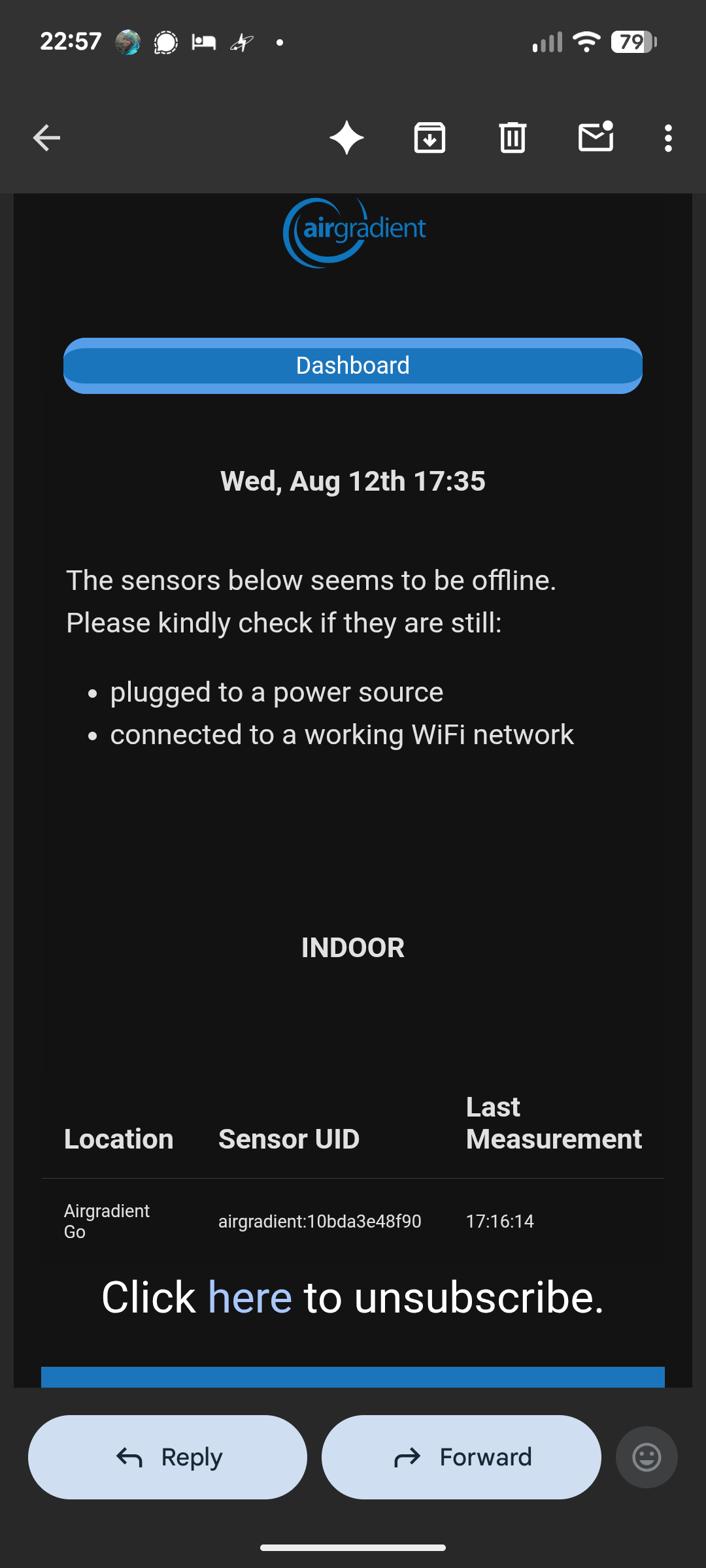
Can’t stream data to Airgradient server (says it needs to be linked to a cloud location first, which I can’t immediately see a way of doing… I believe this is work in progress?).

Can’t comment on battery or GPS but will be using it properly in coming weeks :slight_smile:

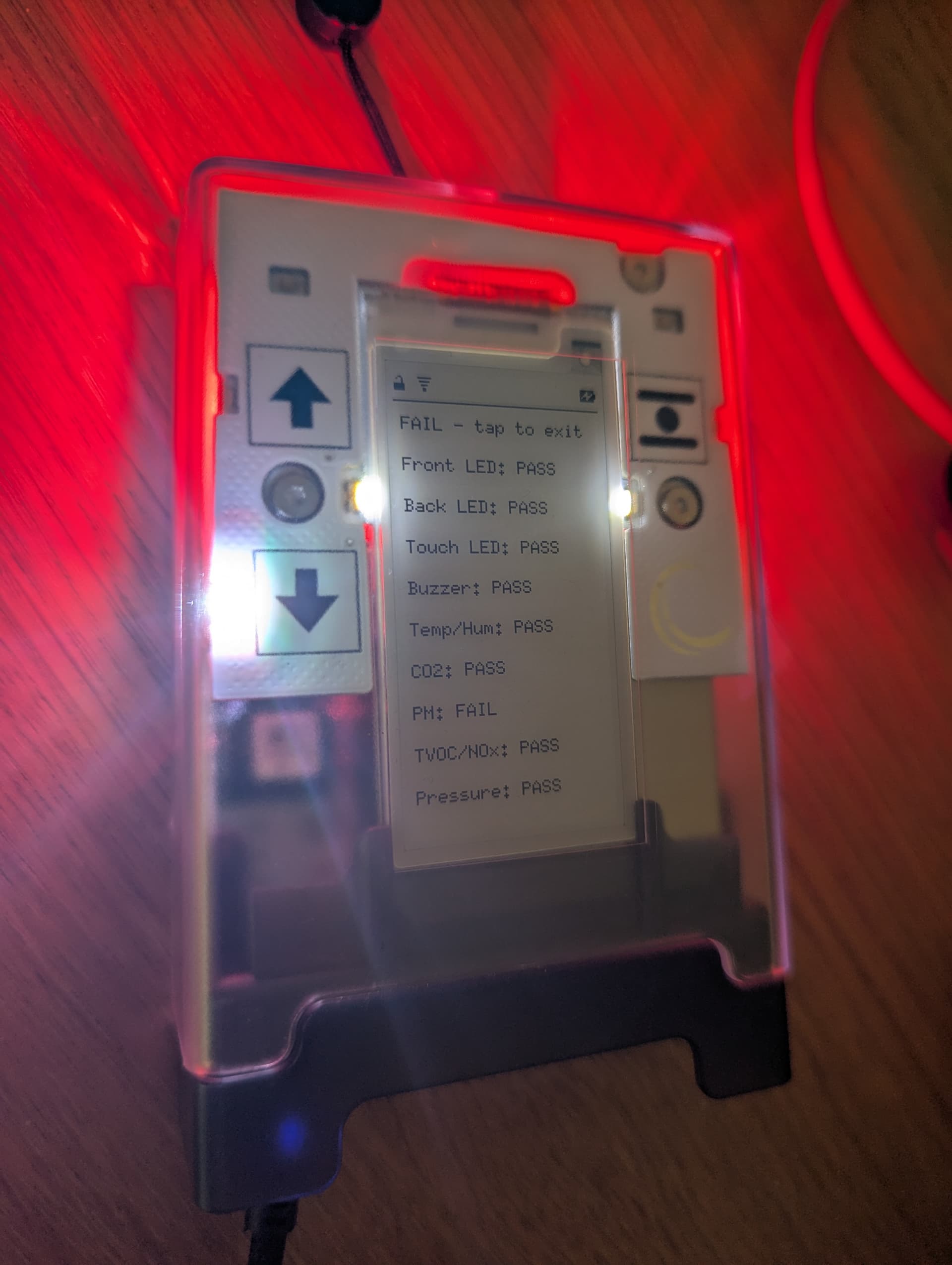
Charging is a bit of an issue. The cable provided (and others in my house) will not charge when properly inserted. Instead I need to put slight pressure on the connector to have it charge. Has anyone else encountered this? The handy blue led on the provided cable helped me discover this easily.
1 Like

Hi @Cossym, welcome to our community! Thank you for posting here and for your detailed feedback on the AirGradient Go.

The temperature and humidity readings need a correction algorithm, as there is heat generated from components inside the enclosure. We are developing the correction algorithm specifically for the AirGradient Go and will push the update to all AirGradient Go out there as soon as it is ready.

For “Stream current data to AirGradient Server”, you need to register your AirGradient Go on your AirGradient Dashboard after you have your AirGradient Go connected to your AirGradient Map app on your phone. We are working on this, so the AirGradient Go is not yet on the ‘Connect a Monitor’ page on the AirGradient Dashboard.

However, you can follow the steps below to get it working (we are working on this to ensure that we provide the best experience for all AirGradient Go users. We are in the process of simplifying these, and we intend to make it complete when the Home Assistant integration is ready for the AirGradient Go.:

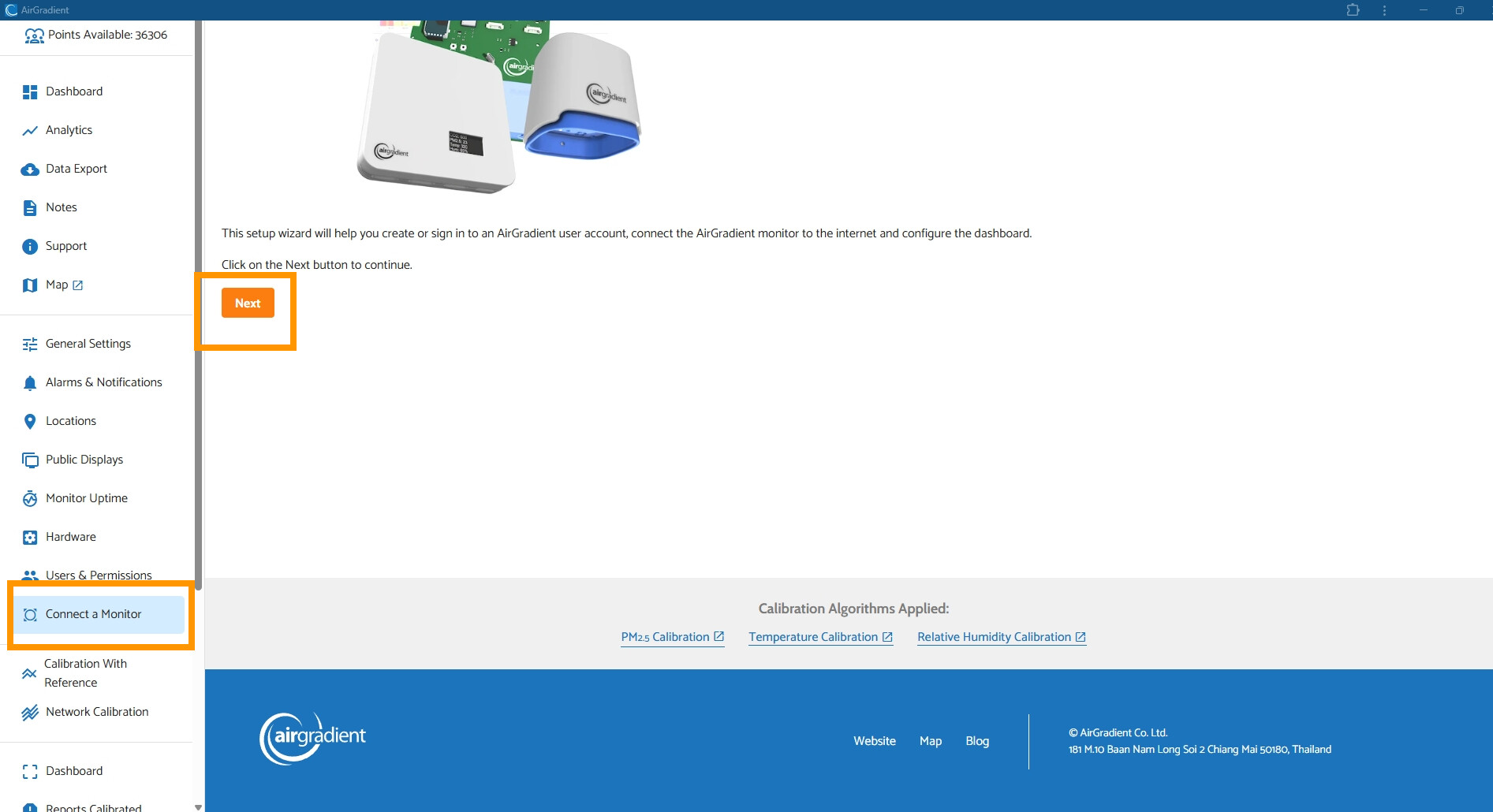
Go to your AirGradient Dashboard → Select ‘Connect a Monitor’ on the side menu → Tap ‘Next’ → Tap ‘AirGradient ONE / BASIC / DIY PRO’ → Select ‘AirGradient ONE (I-9PSL-DE) Indoor Monitor’ → Input your AirGradient Go’s serial number in the ‘Serial Number’ field, and input your preferred ‘Location Name’ (this can be anything, e.g. ‘AirGradient Go’ or ‘Living Room’) → Tap ‘Add’ → Ignore the ‘Connect to Wifi’ step for now → Tap ‘Next step’ → Tap 'To Dashboard’

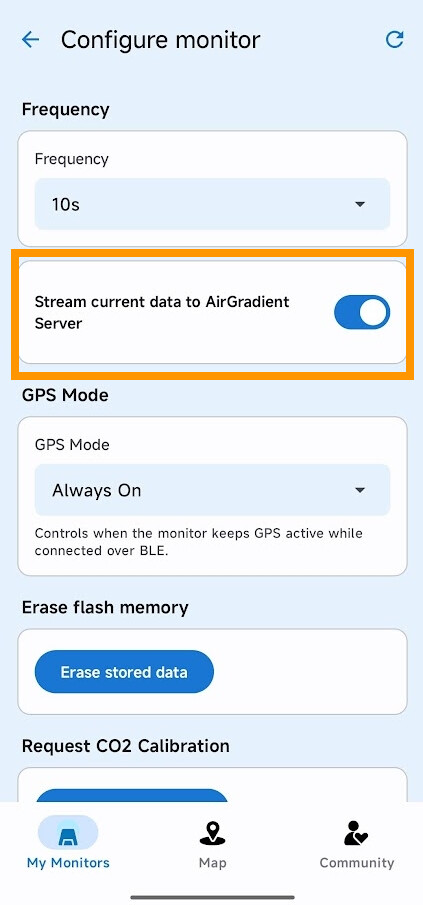
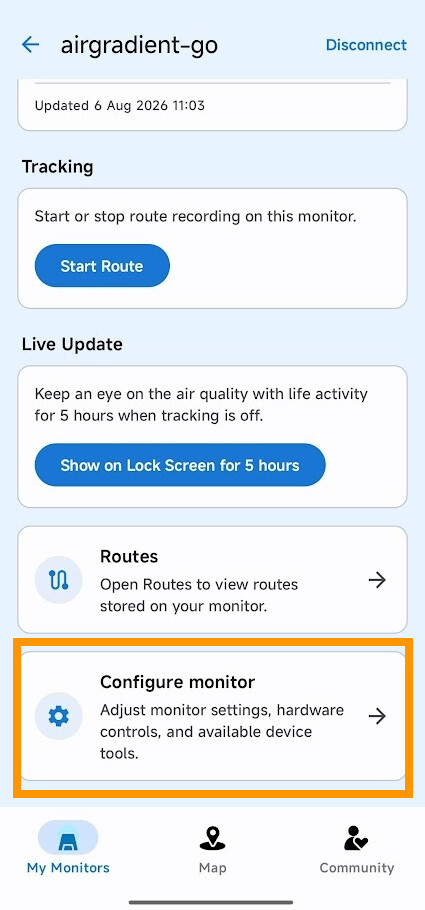
After that, please go to your AirGradient Map app on your mobile phone. Navigate to the AirGradient Go that your phone is connected to. Go to ‘Configure monitor’ → Toggle ‘Stream current data to AirGradient Server’ on

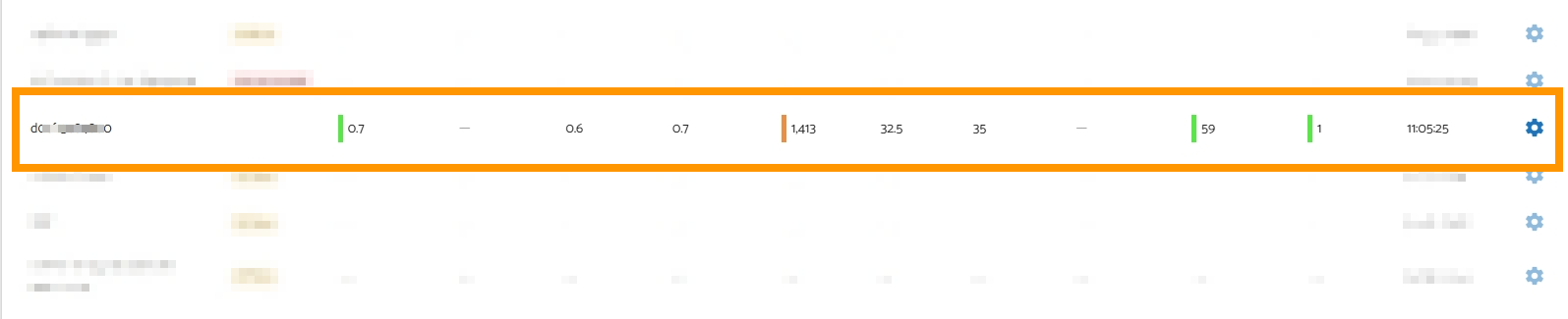
A few minutes later, you should see the AirGradient Go appear on your AirGradient Dashboard

You can also switch the AirGradient Go to the Stationary Mode, so the Go will be able to work directly via your home Wi-Fi (without relying on your phone’s Bluetooth connection). Simply put, to use it as a normal stationary air monitor. You can follow this article to connect your AirGradient Go to Wi-Fi in Stationary Mode: Connect AirGradient Go to WiFi | AirGradient Knowledge Base


Regarding the charging USB port, could you please provide us with more information with photos and videos via Contact Us ? We are happy to look into it.

Thank you again for your feedback. We are looking forward to hearing more feedback from you and every Go user. Please feel free to let us know.

Thanks for the detailed response!

Re: temperature and humidity, that makes sense. Will wait for the calibration to be applied in future.

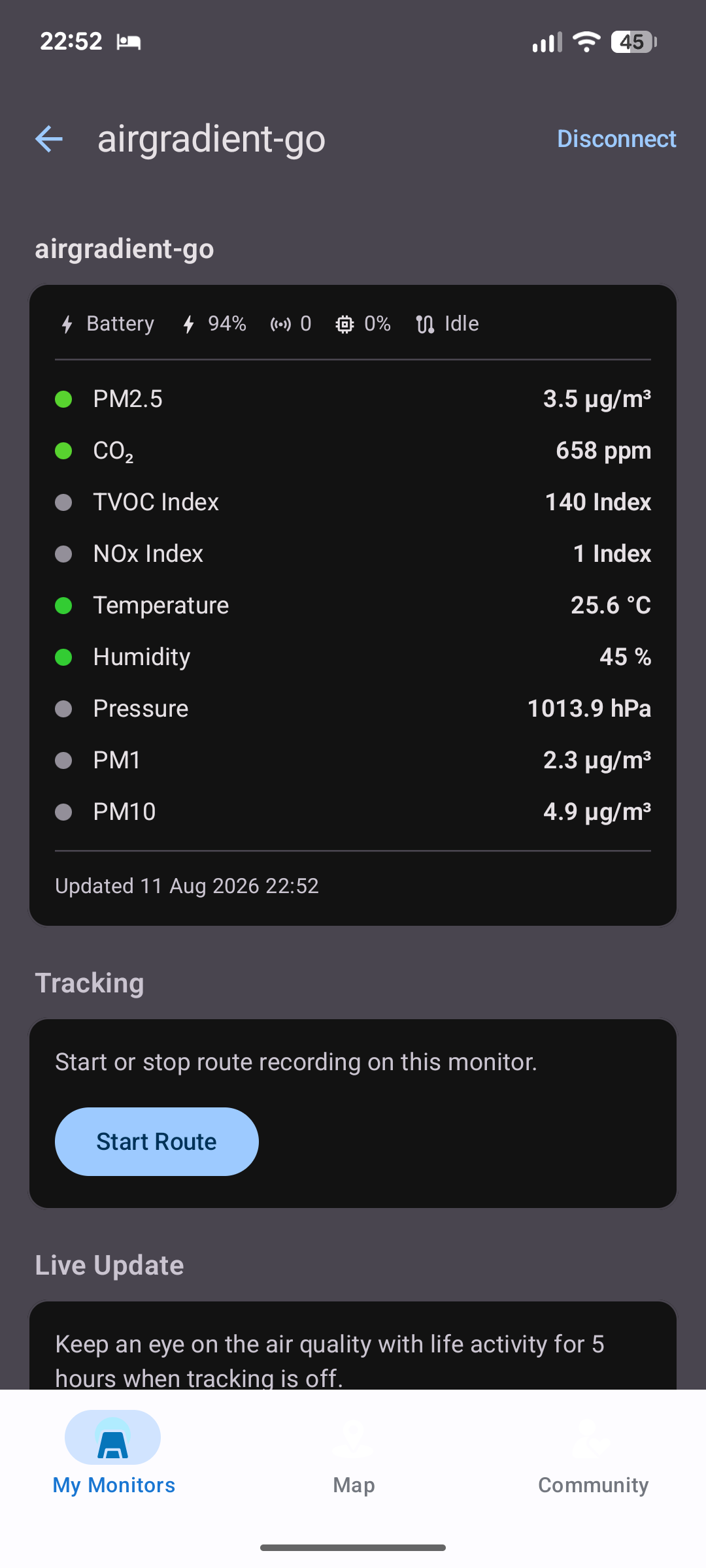
I followed your instructions and can see the Go in my dashboard now :tada: pm2.5 had a default “factory calibration” applied which a scaling factor of over 2x. I hope this is incorrect as it was showing far higher than my ONE :sweat_smile: for now I’ve switched to raw which obviously matches the e-ink display. Can you comment on whether I should be applying any pm2.5 calibration for the Go?
I’ll send more details about the charging cable later today :slight_smile: